1
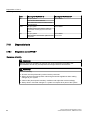
Diagnostics in PCS 7
7.18 Diagnostic tools
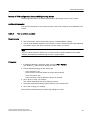
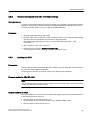
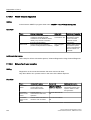
7.18.2.6
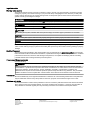
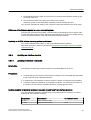
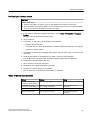
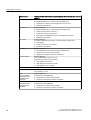
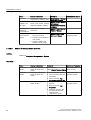
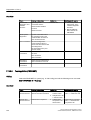
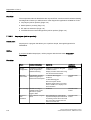
Topic
Detailed information
Called via
Additional information
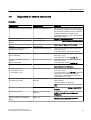
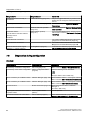
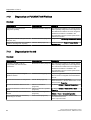
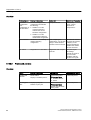
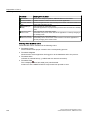
Connections
(network
adapter
function)
Identification of network
adapter of servers and
network services
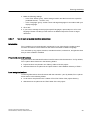
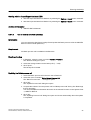
Enter "ipconfig -all"
Help and Support
Center
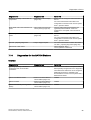
Connections
(network
adapter
function)
Active connections,
Enter "netstat"
Help and Support
Center
computer I/Os,
Ethernet statistics
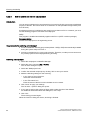
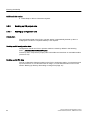
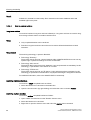
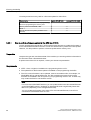
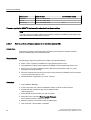
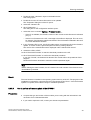
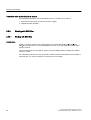
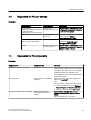
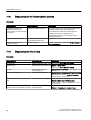
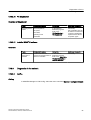
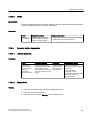
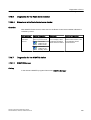
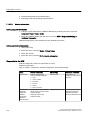
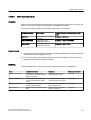
Set PC station
Calling
In the Siemens SIMATIC programs Start menu: SIMATIC NET > Settings > Set PC Station
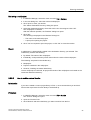
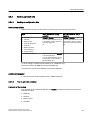
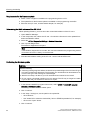
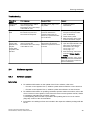
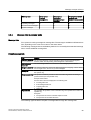
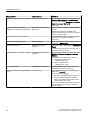
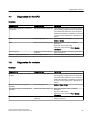
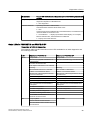
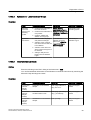
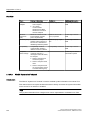
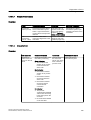
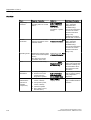
Overview
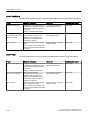
Topic
Detailed Information
Called with
Additional information
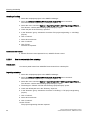
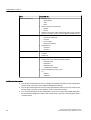
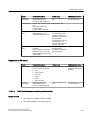
Configuration
Detected modules
SIMATIC NET
Configuration > Modules
folder
Online help for Microsoft
Management Console; see
"Set PC station" topic
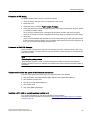
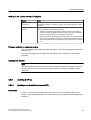
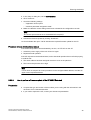
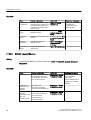
Diagnostic
options
Available options vary
for each module
SIMATIC NET
Configuration > Modules >
folder, select module.
Online help for Microsoft
Management Console; see
"Set PC station" topic
You can find additional
information in the online
help
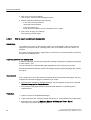
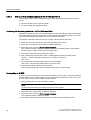
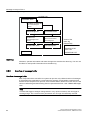
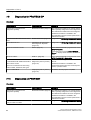
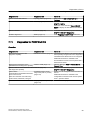
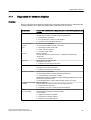
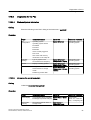
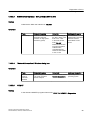
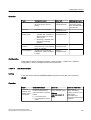
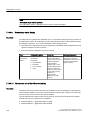
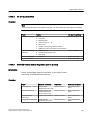
7.18.2.7
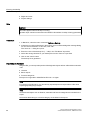
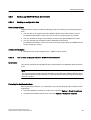
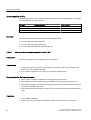
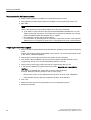
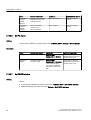
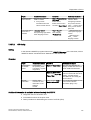
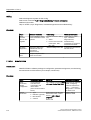
Set PG/PC interface
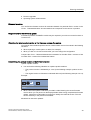
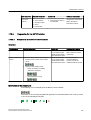
Calling
Options:
● In the Siemens SIMATIC programs Start menu: SIMATIC NET > Set PG/PC Interface
● SIMATIC Manager via menu command Options > Set PG/PC Interface
94
Service support and diagnostics (V8.0)
Service Manual, 03/2012, A5E02779775-02