1
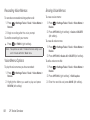
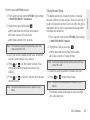
Adjusting the Shutter Sound
1. From camera mode, press OPTIONS (right softkey).
2. Use the right navigation key and highlight Shutter
Sound (
1
).
3. Select Off, Shutter1, Shutter2 or Shutter3.
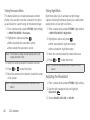
Adjusting the Grid
1. From camera mode, press OPTIONS (right softkey).
2. Use the right navigation key and highlight Grid
(
OFF
).
3. Select Off or On.
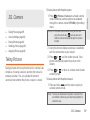
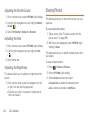
Erasing Photos
This feature allows you to remove the photo your just
captured.
To erase the last photo taken:
1. Take a picture. (See “To take a picture with the
phone open:” on page 59.)
2. With the picture displayed, press OPTIONS (right
softkey) > Erase.
This feature allows you to delete multiple photos from
your album.
To erase multiple photos:
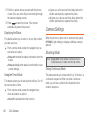
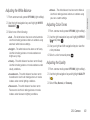
Adjusting the Brightness
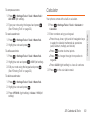
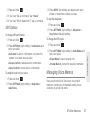
1. Press
This feature allows you to adjust the brightness of the
picture.
2. Select OPTIONS (right softkey).
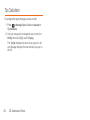
1. From camera mode, press the navigation key left
or right. (You will see the gauge bar.)
䡲 Slide the bar right to increase the brightness or
left to decrease it.
64
2G. Camera
> Pictures > Pictures.
3. Select Delete and select an option:.
䡲
Focused Item to delete the selected photo.
䡲
ALL to delete all photos in My Photos.