1
M A G I C
7.5.1
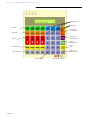
Operation keys
7.5.1.1
PRE TALK SRC (Pre Talk Source)
T O U C H
S o f t w a r e
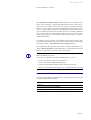
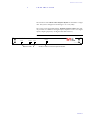
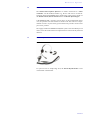
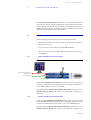
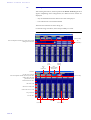
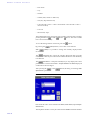
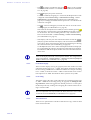
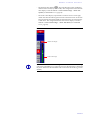
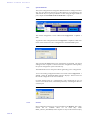
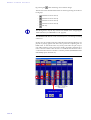
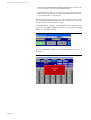
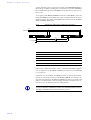
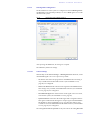
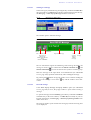
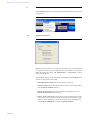
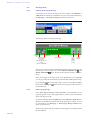
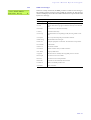
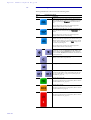
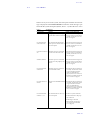
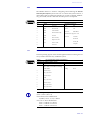
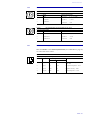
With the help of the PRE TALK SRC button it can be selected whether the Pre
Talk should be done via the optional handset (
key setting) or via the
Audio input which is configured as Pre Talk (
key setting) (see
CHAPTER 7.7.3.14, page 98).
L
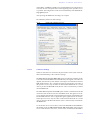
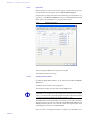
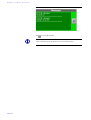
The switch over of the Pre Talk Source can also be automated. In this case for
example, the presenter must always use the Audio input and the Pre Talk
source must always use the Handset (configuration in the LAN → Restrictions → Pre Talk Source Auto Following submenu (see CHAPTER 7.7.3.13,
page 95))
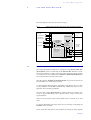
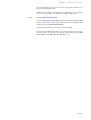
The Pre Talk mode is automatically signalled by the Pre Talk Relay (see
CHAPTER A4.5, page 146).
L
7.5.1.2
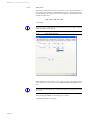
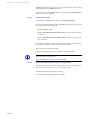
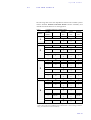
If the presenter switches the caller into Pre Talk the Pre Talk Relay can be
used to switch in a mixer automatically. If the Pre Talk Source is automated
(see previous info box) the Pre Talk Relay will also switch in the mixer only
if the pre talk source is in pre talk with the caller. In the General → Pre Talk
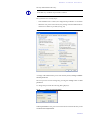
relay submenu choose the Pre Talk Signalling combined with Pre Talk
Source option to switch in the mixer only if the presenter is in pre talk via the
Audio input. Do not forget to set in the Relay submenu (see CHAPTER
7.7.3.15, page 102) the Audio Line → PRE TALK assignment for at least one
relay to ensure that a Pre Talk relay exists.
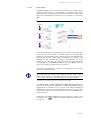
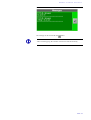
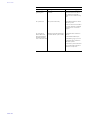
GLOBAL (Drop All, Lock)
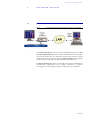
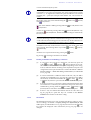
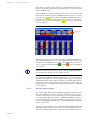
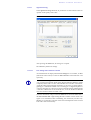
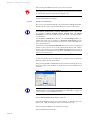
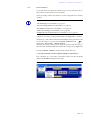
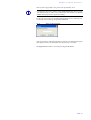
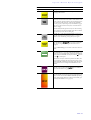
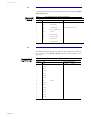
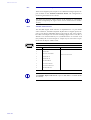
With the help of the
(drop all connections) operating key all connections are dropped. Not included in this function are lines defined as VIP lines
(see CHAPTER 7.7.3.5, page 76).
If the
(Lock) button is active (
key setting), all lines of the system are blocked for incoming calls. Lines defined as VIP lines are excepted
(see CHAPTER 7.7.3.5, page 76). Outgoing calls are possible on any line.
L
7.5.1.3
If the lock button is active, the callers hear the busy signal. This function depends on the PABX. Main connections always support this function.
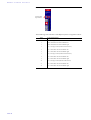
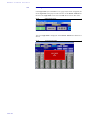
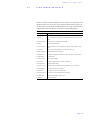
Forw. Call (Call forwarding)
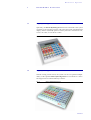
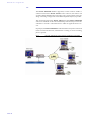
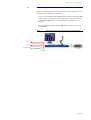
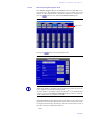
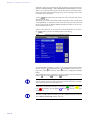
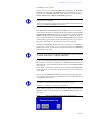
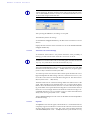
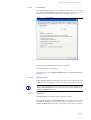
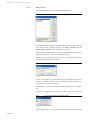
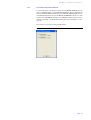
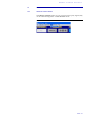
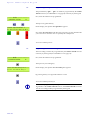
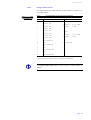
The Redaktion Call Forwarding button enables the selection of two predefined
call forwarding destinations. The second call forwarding destination is only
for temporary use. This means that after forwarding the first call the call forwarding destination is set again.
The call forwarding destinations are defined in the submenu S0 Line → Call
Forwarding → 1st. telephone number for Call Forwarding and 2nd. telephone
number for Call Forwarding (see CHAPTER 7.7.3.4, page 73). The corresponding Name of the call forwarding is displayed on the operating key.
PAGE 45