1
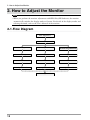
2. How to Adjust the Monitor
5
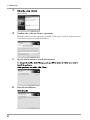
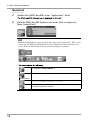
Start measurement
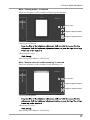
The software measures the current status of the screen. It takes approximately one
to three minutes.
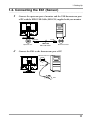
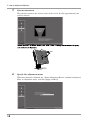
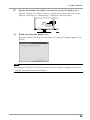
Attach the EX1 as shown below, and click [Next]. During measurement, the progress indicator is displayed.
EX1
6
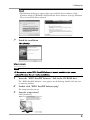
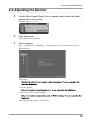
Specify the adjustment name
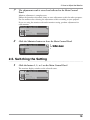
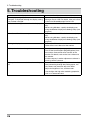
When measurement is finished, the "Name Adjustment Result" window is displayed.
Enter an adjustment name, and click [Apply and Exit].
18