1
Using Telnet
CHAPTER 11: Using Telnet
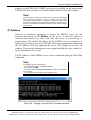
Telnet can be used to configure the Serial Server from any PC on the LAN.
The Telnet window displays the same configuration information shown in
Console Mode and allows server properties to be configured.
Note:
See Chapter 5 for details on Server Properties.
Configuration Using Telnet
Step 1: Ensure the PC and Serial Server are connected to the LAN.
Step 2: Apply power to the Serial Server. The power and ready LED will
light.
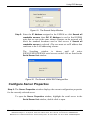
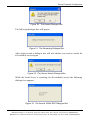
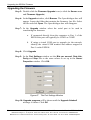
Step 3: From the Desktop, click Start, then Run. The Run dialogue box will
open.
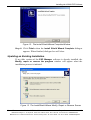
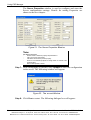
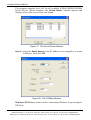
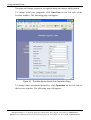
Step 4: Type in Telnet and the IP address of the Serial Server to be
configured, then click OK.
Figure 53. The Run dialogue box
Note:
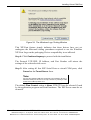
The Serial Server must be in RS-232, RS-422 or RS-485 mode before you can
Telnet to it and access the configuration screens. If it was last configured in
Console mode you may not be able to access it using Telnet. In this case use
ESP Manager, Console Mode or Web Server for configuration.
Manual Documentation Number: ESP904-4513m
Chapter 11
B&B Electronics Mfg Co Inc – 707 Dayton Rd - PO Box 1040 - Ottawa IL 61350 - Ph 815-433-5100 - Fax 815-433-5104 – www.bb-elec.com
B&B Electronics Ltd – Westlink Commercial Park – Oranmore, Galway, Ireland – Ph +353 91-792444 – Fax +353 91-792445 – www.bb-europe.com
59