1
3
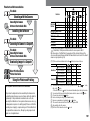
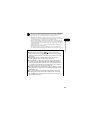
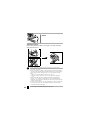
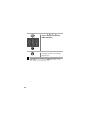
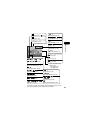
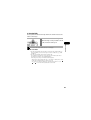
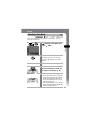
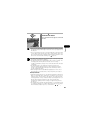
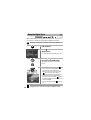
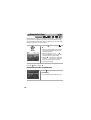
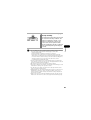
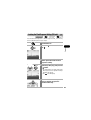
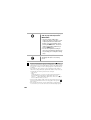
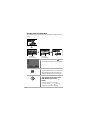
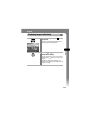
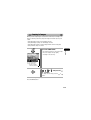
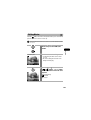
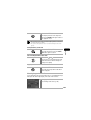
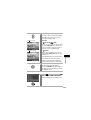
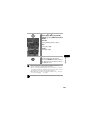
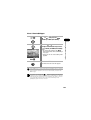
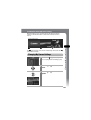
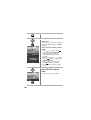
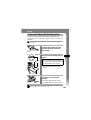
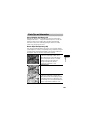
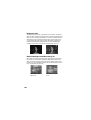
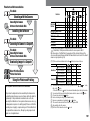
• A checkmark displays on selected images.
• You can press the zoom lever toward
to switch to the index mode (9 images)
and use the same procedures to select
images.
Selected for Transfer
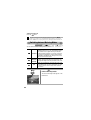
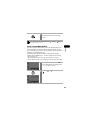
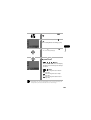
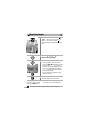
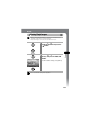
4
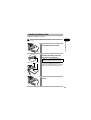
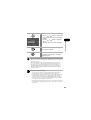
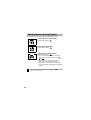
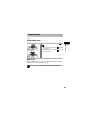
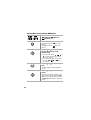
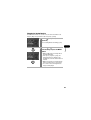
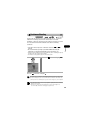
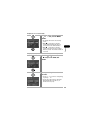
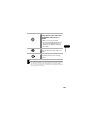
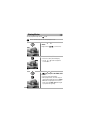
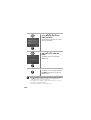
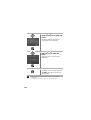
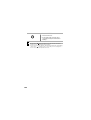
Press the MENU button.
The Transfer Order menu reappears.
Pressing the MENU button again returns to
the Play menu. Press it again to go back to
the playback screen.
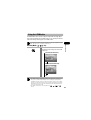
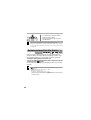
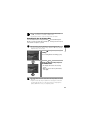
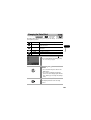
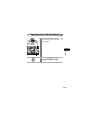
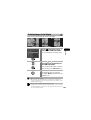
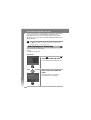
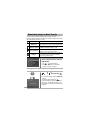
All the Images on an SD Card
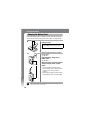
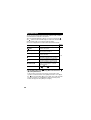
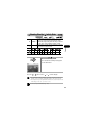
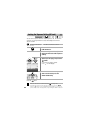
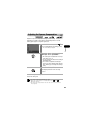
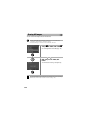
1
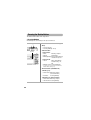
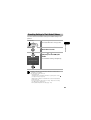
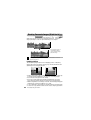
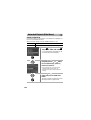
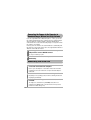
Image Transmission Settings (DPOF Transfer Order)
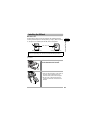
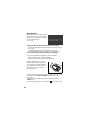
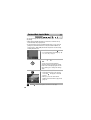
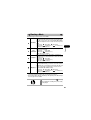
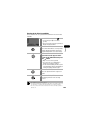
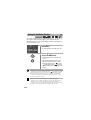
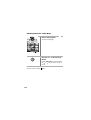
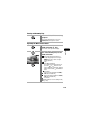
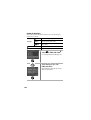
Use the
or
button to move
between images and the FUNC./SET
button to select and deselect them.
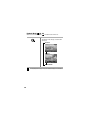
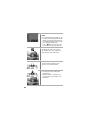
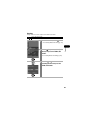
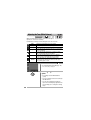
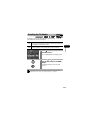
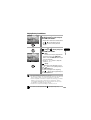
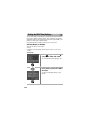
In the
(Play) menu, select
and press the FUNC./SET button.
See Selecting Menus and Settings (p. 48).
143