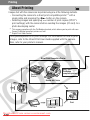
1
3
4
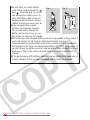
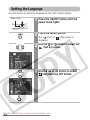
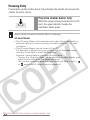
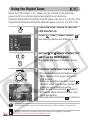
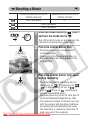
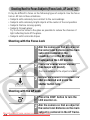
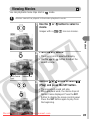
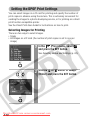
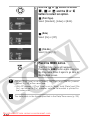
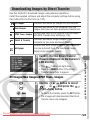
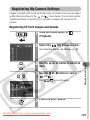
Slide the camera's mode switch to
(Play).
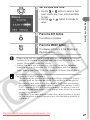
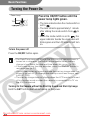
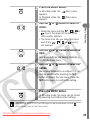
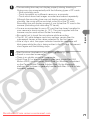
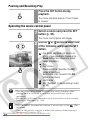
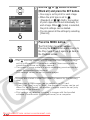
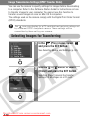
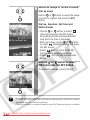
Press the ON/OFF button until the power lamp lights green.
• Windows:
Proceed to steps 5 and 6 below.
• Macintosh:
Refer to the Software Starter Guide and download images.
5
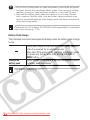
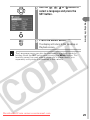
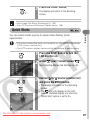
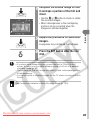
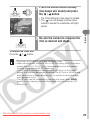
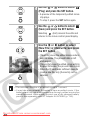
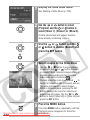
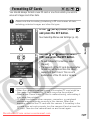
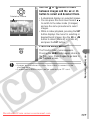
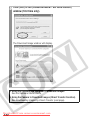
Select [Canon CameraWindow] in the event dialog that
appears on the computer and click [OK] (first time only).
Downloaded From camera-usermanual.com
Connecting the Camera to a Computer/TV
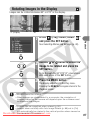
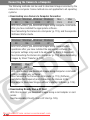
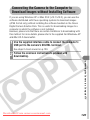
If the event dialog fails to appear, click the [Start] menu, followed by
[Programs] or [All Programs], [Canon Utilities], [CameraWindow], and
[CameraWindow Set Auto-Launch].
121