1
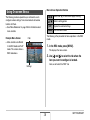
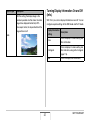
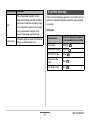
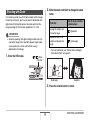
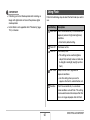
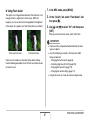
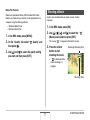
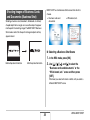
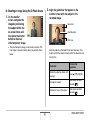
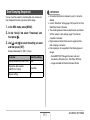
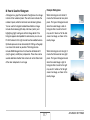
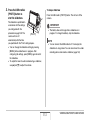
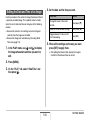
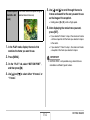
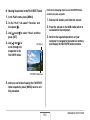
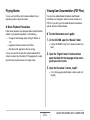
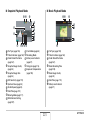
1-frame Snapshot
(VGA 640 × 480
pixels)
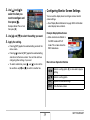
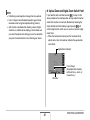
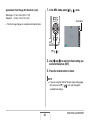
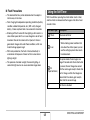
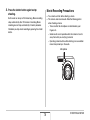
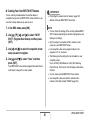
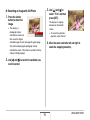
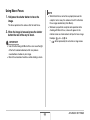
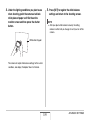
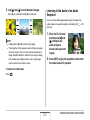
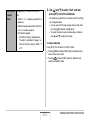
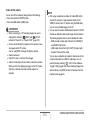
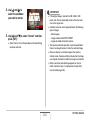
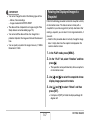
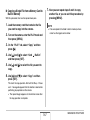
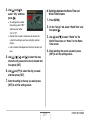
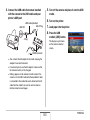
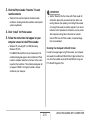
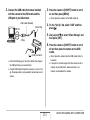
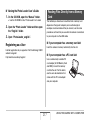
5. Use [W] and [X] to scroll through the movie
This format creates a snapshot using the
selected movie frame only.
frames and search for the one you want to use
as the image of the snapshot.
• Holding down [W] or [X] scrolls at high speed.
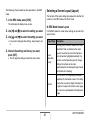
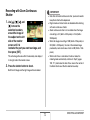
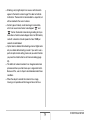
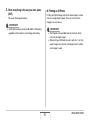
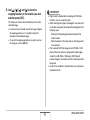
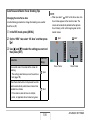
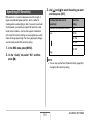
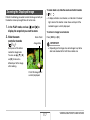
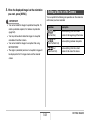
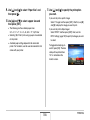
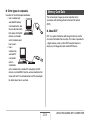
6. After displaying the movie frame you want,
press [SET].
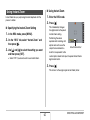
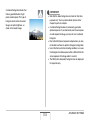
• If you selected “9 frames” in step 4, the camera will create
a 9-frame snapshot with the frame you selected in step 6
in the center.
• If you selected “1 frame” in step 4, the camera will create
a snapshot of the frame you selected in step 6.
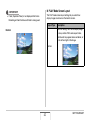
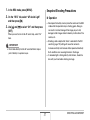
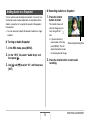
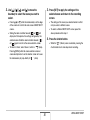
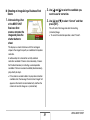
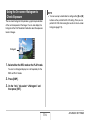
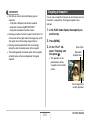
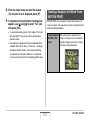
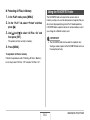
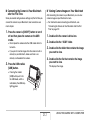
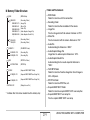
1. In the PLAY mode, display the movie that
contains the frame you want to use.
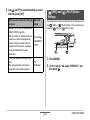
2. Press [MENU].
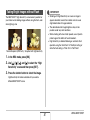
IMPORTANT!
• MOTION PRINT is not possible using a movie that was
recorded on a different type of camera.
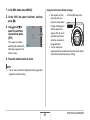
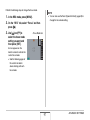
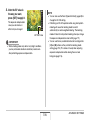
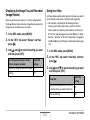
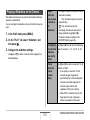
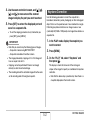
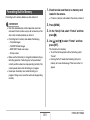
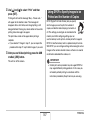
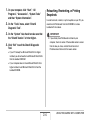
3. On the “PLAY” tab, select “MOTION PRINT”,
and then press [X].
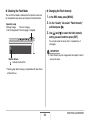
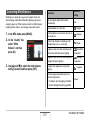
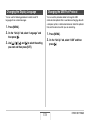
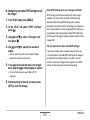
4. Use [S] and [T] to select either “9 frames” or
“1 frame”.
154
EDITING IMAGES