1
Listening to the iPod, iPhone or iPad (continued)
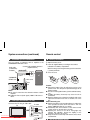
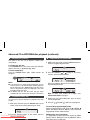
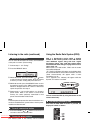
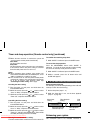
■ iPod and iPhone connection (Dock only)
Caution:
Unplug all accessories from the iPod or iPhone before
inserting it into the dock.
Note:
Docking station is not recommended for iPad connection.
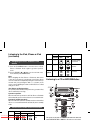
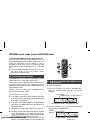
Adaptor for iPod and iPhone connection
Notes:
● Please use the adaptor supplied with your iPod or iPhone unit.
● You can use an audio cable to connect your iPod to the AUDIO
IN socket if:
1. your iPod adaptor does not fit into the iPod dock on the
main unit.
2. you have an iPod that does not have an iPod adaptor.
3. you have an iPod that does not have an iPod 30 pin
connector.
Adaptor No.
12
15
15
19
19
■
■
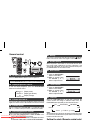
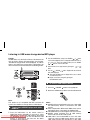
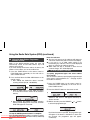
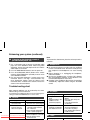
iPod or iPhone playback
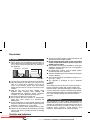
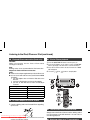
1 Press the ON/STAND-BY button to turn the power on.
2 Press the iPod button on the remote control or FUNCTION
button repeatedly on the main unit to select iPod function.
3 Insert iPod or iPhone unit into the dock of main unit. “DOCK
OK” will appear.
4 Press the / (iPod
/ ) button to start playback.
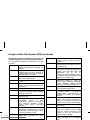
iPhone Description
iPhone
iPhone 3G
iPhone 3GS
iPhone 4
iPhone 4S
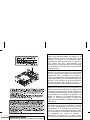
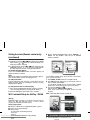
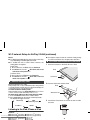
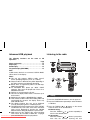
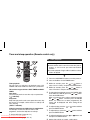
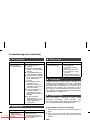
To insert adaptor for iPod or iPhone
CD/USB
RDS
1 Open the docking station for iPod and iPhone by pulling
up the cover.
■
Downloaded From Disc-Player.com Sharp Manuals
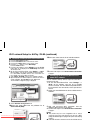
2 Insert the adaptor for iPod or iPhone into unit and
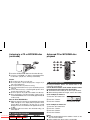
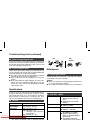
To disconnect iPod, iPhone or iPad
Simply remove the iPod or iPhone from the docking station
or iPad connector from USB terminal. It is safe to do so
even during playback.