1
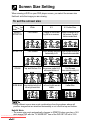
Screen Size Setting
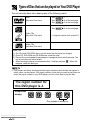
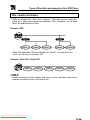
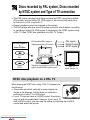
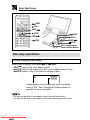
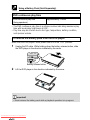
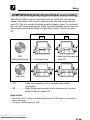
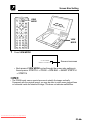
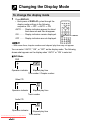
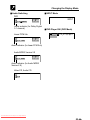
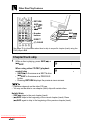
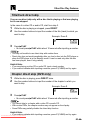
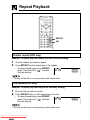
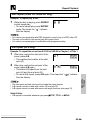
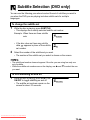
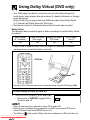
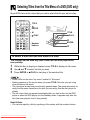
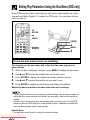
When viewing a DVD on your DVD player screen, you select the screen size
that best suits the image you are viewing.
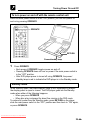
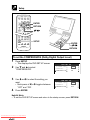
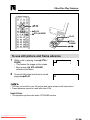
To set the screen size
Software
Type
Wide
4:3
4:3 Letter Box
SMART
STRETCH
Full Screen
Image is stretched
by its four corners.
Image is stretched by its
four corners. Top and
bottom remain black.
STRETCH
Full Screen
Mode
ZOOM
Above screen stretched Screen stretched horizontally to
fit. Top and bottom remain black.
horizontally to fit.
Full Screen
Top and Bottom Cut Above screen resided to fit,
with top and bottom cut. Screen stretched vertically to fit.
SIDE BAR Screen stretched vertically to fit. Left and right remain
Left and right remain black.
black
Letter Box
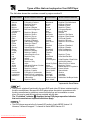
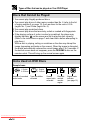
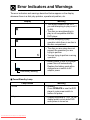
• Using different screen size mode combinations from those shown above will
produce images that are stretched horizontally or cut off at the top and bottom.
Helpful Hints
• The screen size mode automatically changes to STRETCH when you play a 16:9
wide image DVD with the “TV MODE SET” item of the DVD SET UP set to 16:9.
Downloaded From Disc-Player.com Sharp Manuals