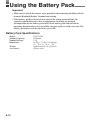
1
1
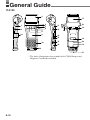
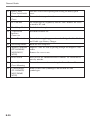
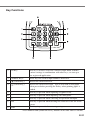
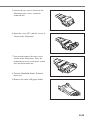
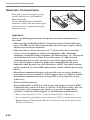
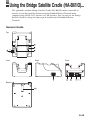
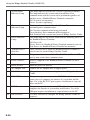
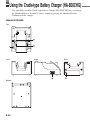
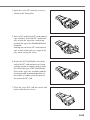
Power Indicator
Lamp
This lamp indicates the power status and the mounting status of
the Handheld Printer Terminal.
Off: Power off
Red: Power on, Handheld Printer Terminal not mounted
Green: Power on, Handheld Printer Terminal mounted correctly
2
Terminal Detect
Switches
These switches detect when the Handled Printer Terminal is
seated correctly on the Cradle.
3
Power Contacts
Power is supplied to the Handheld Printer Terminal via these
contacts.
4
Power Switch
Turns the power on and off.
5
AC Adaptor Jack
Connect the AC adaptor here.
E-57