1
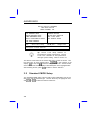
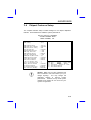
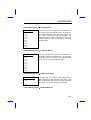
AWARD BIOS
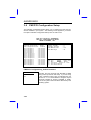
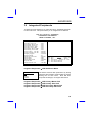
ROM PCI/ISA BIOS (XXXXXXXX)
CMOS SETUP UTILITY
AWARD SOFTWARE, INC.
STANDARD CMOS SETUP
BIOS FEATURES SETUP
CHIPSET FEATURES SETUP
POWER MANAGEMENT SETUP
PNP/PCI CONFIGURATION SETUP
LOAD SETUP DEFAULTS
LOAD TURBO DEFAULTS
ESC
F10
:
:
Quit
Save & Exit Setup
INTEGRATED PERIPHRALS
PASSWORD SETTING
IDE HDD AUTO DETECTION
SAVE & EXIT SETUP
EXIT WITHOUT SAVING
:
(Shift) F2
:
Select Item
Change Color
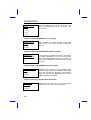
Description of each function
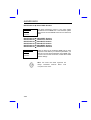
Tip: Choose "Load Setup Defaults" for
recommended optimal performance. Choose
"Load Turbo Defaults" for best performance
with light system loading. Refer to section 3.7.
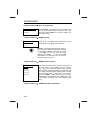
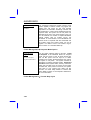
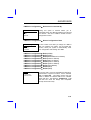
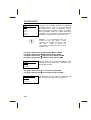
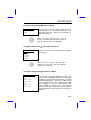
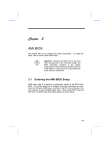
The section at the bottom of the screen tells how to control the screen. Use
the arrow keys to move between items,
to color scheme of the
to exit, and
to save the changes before exit. Another section
display,
at the bottom of the screen displays a brief description of the highlighted item.
After selecting an item, press
3.2
to select or enter a submenu.
Standard CMOS Setup
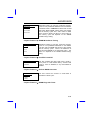
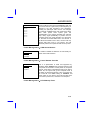
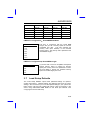
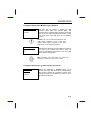
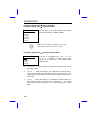
The "Standard CMOS Setup" sets the basic system parameters such as the
date, time, and the hard disk type. Use the arrow keys to highlight an item
or
to select the value for each item.
and
3-2