1
802.11n Wireless PCI Adapter
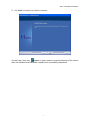
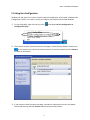
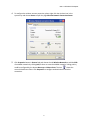
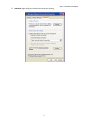
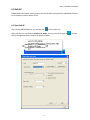
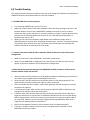
5.0 Using Zero Configuration Windows XP and Vista has a built‐in wireless network configuration utility called “Windows Zero Configuration” (WZC). It is a built‐in service to configure your wireless clients from Windows 1. To start using WZC, right click the tray utility Configuration utility. and select Use Zero Configuration as 2. The windows wireless network connection will appear, double‐click the wireless network icon on the system tray to check the wireless network. Choose the network and click Connect to setup the association. 3. If your wireless router has been encrypted, a window for inputting the security will appear. Please input the key and click Connect and the connection will connect. 18