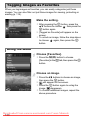
1
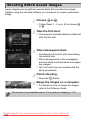
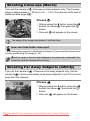
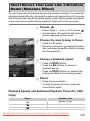
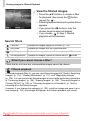
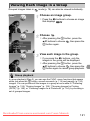
Viewing Each Image in a Group
Grouped images taken in
mode (p. 78) can also be viewed individually.
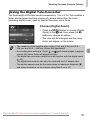
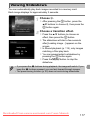
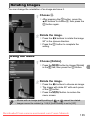
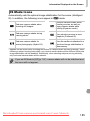
Choose an image group.
z Press the qr buttons to choose an image
that displays
Choose
.
.
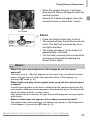
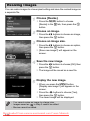
z After pressing the m button, press the
op buttons to choose
m button again.
, then press the
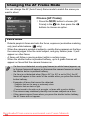
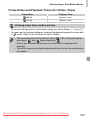
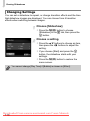
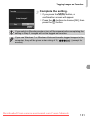
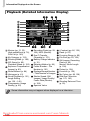
View each image in the group.
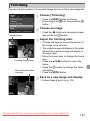
z If you press the qr buttons, only the
images in the group will be displayed.
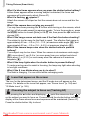
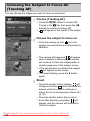
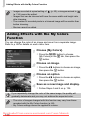
z After pressing the m button, press the
op buttons to choose
, then press the
m button again to cancel group playback.
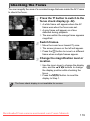
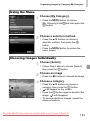
Group playback
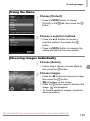
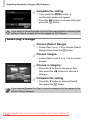
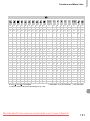
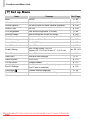
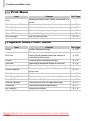
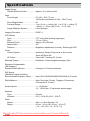
In group playback (Step 3), you can use the FUNC. menu functions that appear
when you press the m button, as well as search (p. 114) and magnify (p. 120)
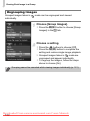
images. You can process all the images in a group at once while in “Protecting
Images” (p. 124), “Erasing Images” (p. 128), “Choosing Images for Printing
(DPOF)” (p. 149), or “Choosing Images for a Photobook” (p. 154), by choosing a
set of grouped images.
Downloaded From camera-usermanual.com Canon Manuals
121