1
Changing the Sound Settings
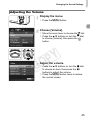
Adjusting the Volume
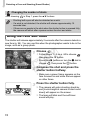
Display the menu.
z Press the n button.
Choose [Volume].
z Move the zoom lever to choose the 3 tab.
z Press the op buttons or turn the 7 dial
to choose [Volume], then press the m
button.
C
Y
P
O
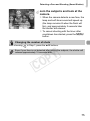
Adjust the volume.
z Press the op buttons or turn the 7 dial
to choose an item, then press the qr
buttons to adjust the volume.
z Press the n button twice to restore
the normal screen.
45