1
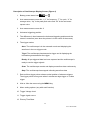
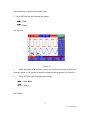
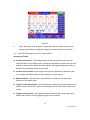
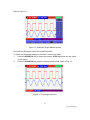
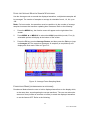
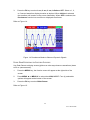
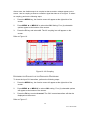
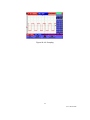
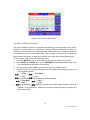
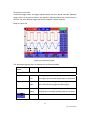
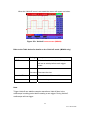
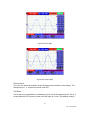
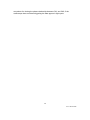
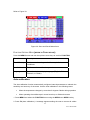
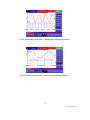
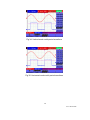
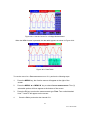
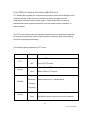
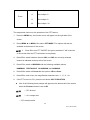
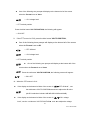
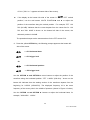
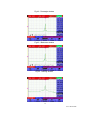
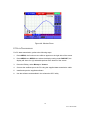
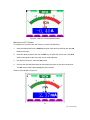
 Figure 48: Window Zoom
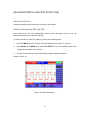
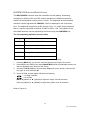
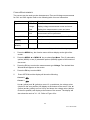
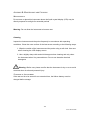
PC DATA TRANSMISSION For PC data transmission, perform the following steps:
1.
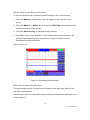
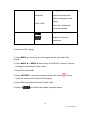
Press MENU; the function menu will then appear on the right side of the screen
2.
Press MENU ▲ or MENU ▼ to select the display setting mode DISP SET; the
display will show four (4) selectable options at the bottom of the screen
3.
Press the F4 key; select Bitmap or Vectors
4.
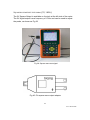
Connect the oscilloscope to the PC using the supplied data transmission cable
5.
Install and open the supplied software
6.
Use the software as described in the software’s HELP utility
76 V5.1 ‐ March 2010