1
UTD1000L User Manual
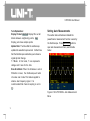
Chapter 5 Using the Multimeter
offered to use in the measurements
About the Chapter
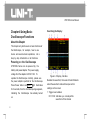
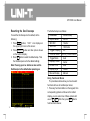
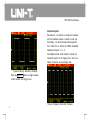
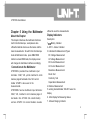
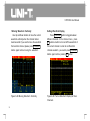
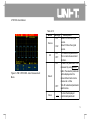
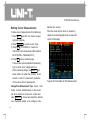
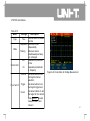
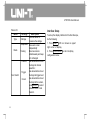
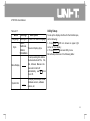
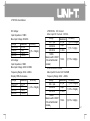
Display Indicators
This chapter introduces the multimeter functions
built in the Oscilloscope; examples are also
offered to illustrate how to use the menus and the
basic measurements. To switch from Oscilloscope
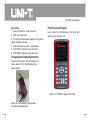
mode to Multimeter mode, press DMM / DSO
button to access DMM mode, the display screen
will change into multimeter interface accordingly.
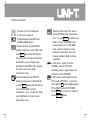
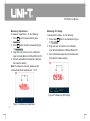
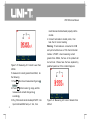
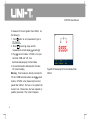
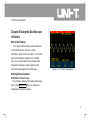
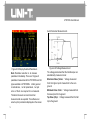
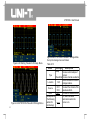
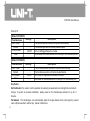
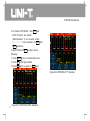
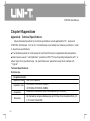
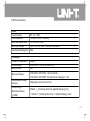
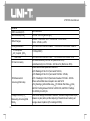
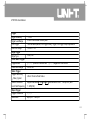
Description:
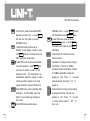
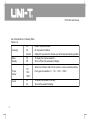
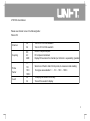
1.
Battery Indicator
2. AUTO Autoset indicator
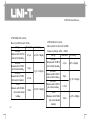
3. Indicators for Measurement Types:
DC Voltage Measurement
AC Voltage Measurement
DC Current Measurement
AC Current Measurement
Resistance Measurement
Diode Test
Continuity Test
Capacitance Measurement
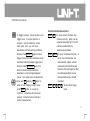
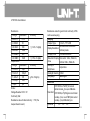
4. Relative Measurement
5. working statusIndicator ; HOLD: Freeze the
display
6 . Main Display for Measuring Values
7 . Manual Ranging Indicator
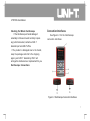
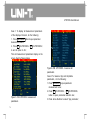
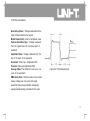
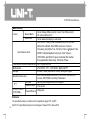
Connections to the Multimeter
UTD1000CL provides three multimeter input
terminals : COM , V/Ω , μA/mA matched to 4-mm
banana plugs of test leads. One 10A current
divider UT-M07 is also used in the
measurements .
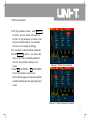
UTD1000DL has two multimeter input terminals :
COM, V/Ω , matched to 4-mm banana plugs of
test leads . One UT - M04 ( 4A current divider)
and one UT-M10 ( mA current module) are also
35