1
Basic Operations
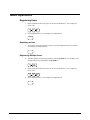
Registering Items
1.
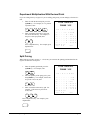
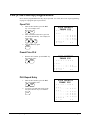
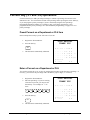
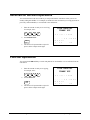
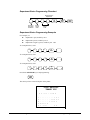
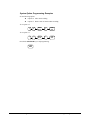
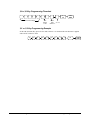
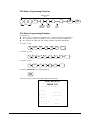
Enter an amount on the ten key pad. Do not use the decimal key. For example, for
$2.99, enter:
2
2.
9
9
Press a department key. For example, press department 1:
1
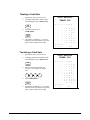
Repeating an Item
3.
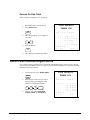
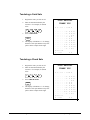
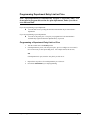
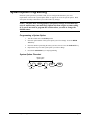
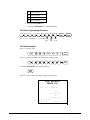
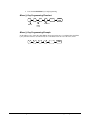
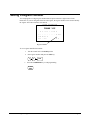
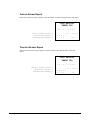
To register a second item exactly as the first, press the department key a second time.
For example, press department 1:
1
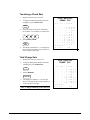
Registering Multiple Items
4.
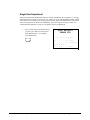
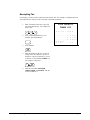
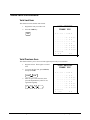
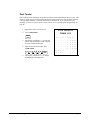
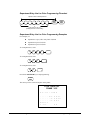
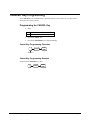
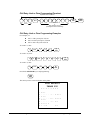
Enter the quantity of items being purchase, press the @/FOR key. For example, enter
4 on the numeric key pad and press the @/FOR key:
@/
FOR
4
5.
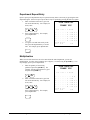
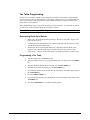
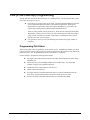
Enter an amount on the ten key pad. Do not use the decimal key. For example, for
$1.99, enter:
1
6.
9
9
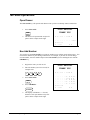
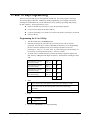
Press a department key. For example, press department 2:
2
16 • Quick Setup
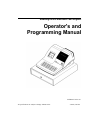
ER-290 Electronic Cash Register