1
Access Control Lists (ACLs) for the Series 3400cl and Series 6400cl Switches
Displaying ACL Data
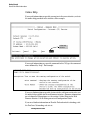
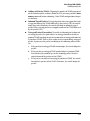
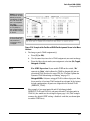
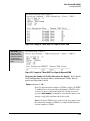
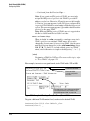
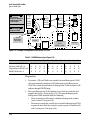
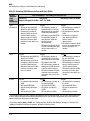
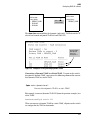
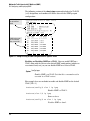
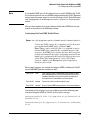
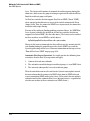
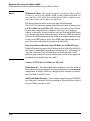
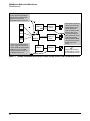
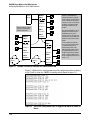
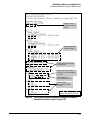
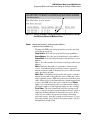
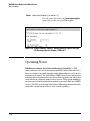
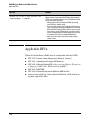
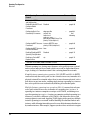
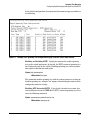
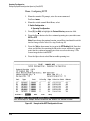
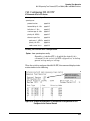
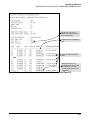
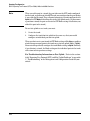
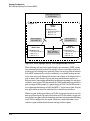
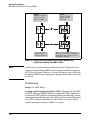
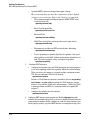
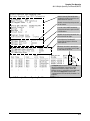
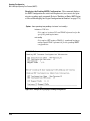
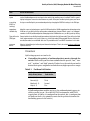
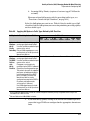
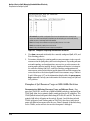
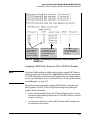
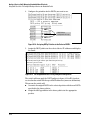
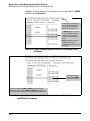
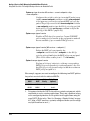
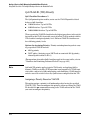
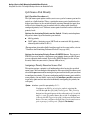
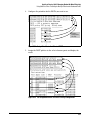
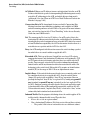
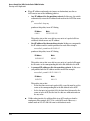
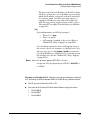
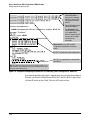
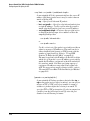
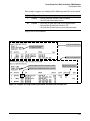
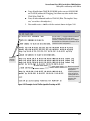
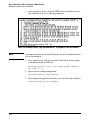
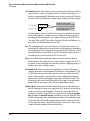
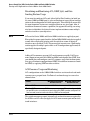
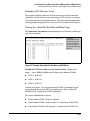
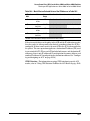
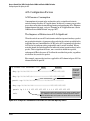
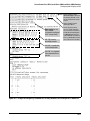
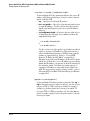
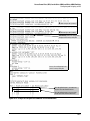
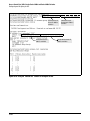
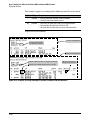
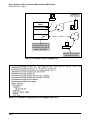
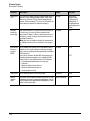
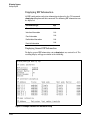
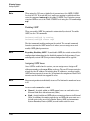
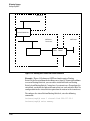
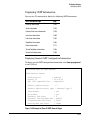
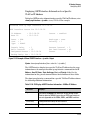
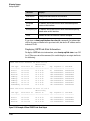
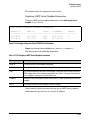
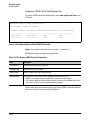
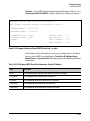
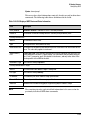
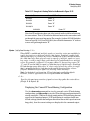
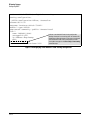
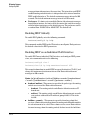
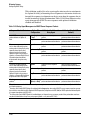
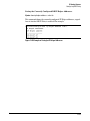
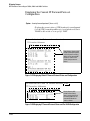
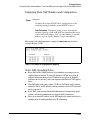
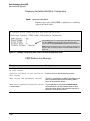
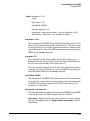
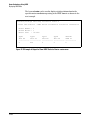
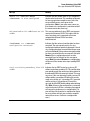
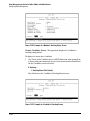
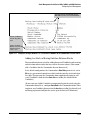
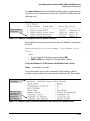
Indicates that one rule and two
masks have been used. All other
ports show the default quantity of
rules and masks, which means that
there are no ACLs or QoS assigned to
these other ports on the switch.
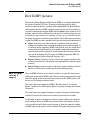
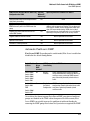
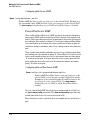
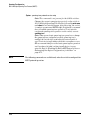
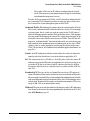
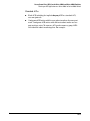
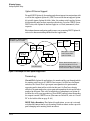
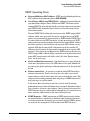
Note: Because ACLs and QoS use the
same rule resources in the switch,
show access-list resources and
show qos resources both list the
same resource table. This table
indicates the combined resource use
of both features (plus Rate-Limiting
and IGMP (if configured). Refer to
page 10-18.)
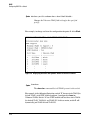
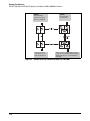
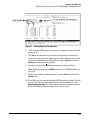
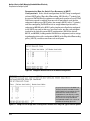
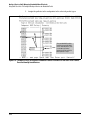
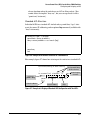
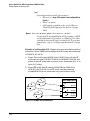
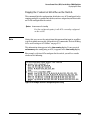
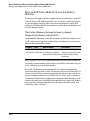
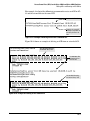
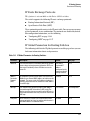
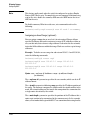
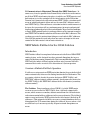
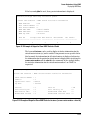
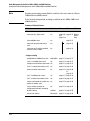
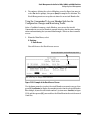
Figure 10-26. Example of a Show Access-List Resources Command Output
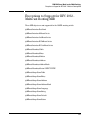
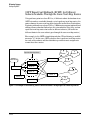
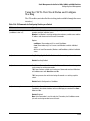
Display All ACLs and Their Assignments in
the Switch Startup-Config File and Running-Config File
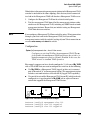
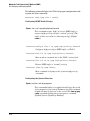
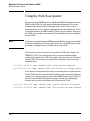
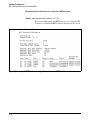
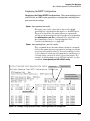
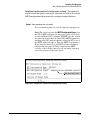
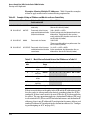
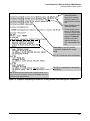
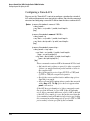
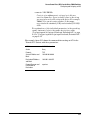
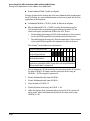
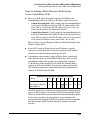
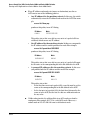
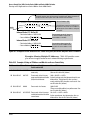
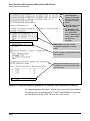
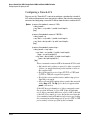
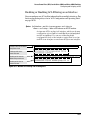
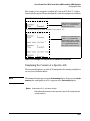
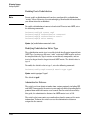
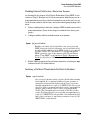
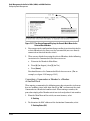
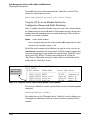
The show config and show running commands include in their listings any
configured ACLs and any ACL assignments to interfaces. Refer to figure 10-16
(page 10-50) and figure 10-17 (page 10-51) for examples. Remember that show
config lists the startup-config file and show running lists the running-config file.
10-68