1
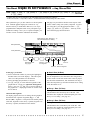
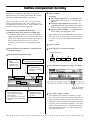
15: Copy Track
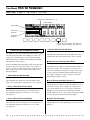
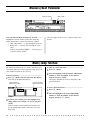
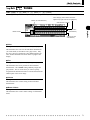
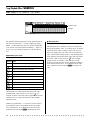
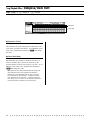
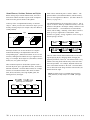
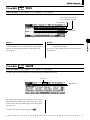
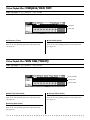
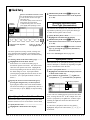
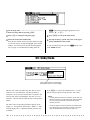
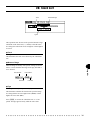
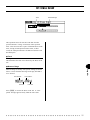
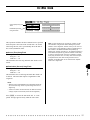
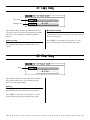
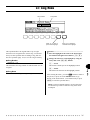
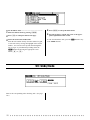
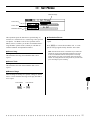
Source Song and Track
Destination Song and
Track
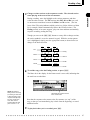
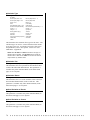
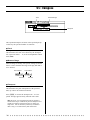
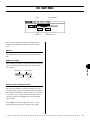
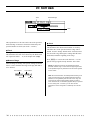
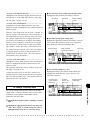
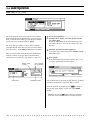
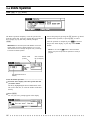
This operation copies all data from the specified track of a
specified song to any other specified track of a specified
song. Use this operation (instead of Copy Event above)
when you want to copy an entire track or tracks.
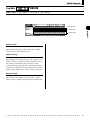
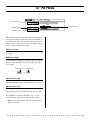
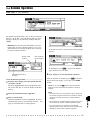
● Source Song/Track
Settings:
Song: 01 — 10
Track: 01 — 16, Pattern (Pat), Chord (Chd),
Tempo (Tmp), All
This determines the song and track (or tracks) from which
the data is to be copied. In the Track parameter, Pat is for
the accompaniment pattern track, Chd is for the accompaniment chord track, Tmp is for the tempo track, and All is
for all tracks in the selected song. When any of the latter
four are selected, the Destination Track parameter is
automatically set to the same setting.
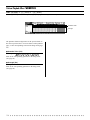
● Destination Song/Track
Settings:
Song: 01 — 10
Track: 01 — 16, Pattern (Pat), Chord (Chd),
Tempo (Tmp), All
This determines the song and track (or tracks) to which the
source data (selected above) is to be copied. In the Track
parameter, Pat is for the accompaniment pattern track, Chd
is for the accompaniment chord track, Tmp is for the tempo
track, and All is for all tracks in the selected song. When
any of the latter four are selected, the Source Track parameter is automatically set to the same setting.
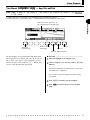
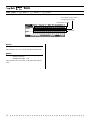
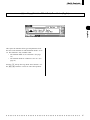
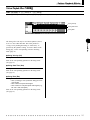
Press E to execute the Copy Track Job. A “Completed” message appears briefly when the Job is done.
156
◆ ◆ ◆ ◆ ◆ ◆ ◆ ◆ ◆ ◆ ◆ ◆ ◆ ◆ ◆ ◆ ◆ ◆ ◆ ◆ ◆ ◆ ◆ ◆ ◆ ◆ ◆ ◆ ◆ ◆ ◆ ◆ ◆ ◆ ◆ ◆ ◆ ◆ ◆ ◆ ◆