1
CONFIGURATION
OPERATION
FURTHER
INFORMATION
INDEX
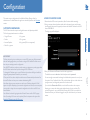
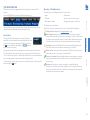
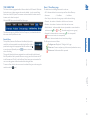
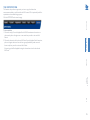
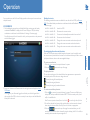
This page is displayed whenever a new transmitter is added to the network.
The IP Address 1 field, showing 0.0.0.0, is for an unconfigured device on its zero config
address. Before A.I.M. can add the device into its database, a new IP address must be
added to IP Address 1. This is the system IP address and applies equally for ALIF (1000
series) and ALIF dual (2000 series).
ALIF dual units have a Teaming port which provides a second 1Gigabyte link port which
can be used for bandwidth doubling and/or redundancy. The IP address 2 field is for the
Teaming port. In order to use the Teaming port, IP address 2 field must be given a valid IP
address. For ALIF (1000) units, this field will remain blank.
INSTALLATION
Transmitters > Configure New Transmitter
27