1
Home Page
AME Password
SHORTCUTS
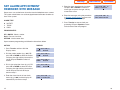
If your keyset has AME PASSWORD (MMC 110) set to YES, you must enter your
station password to listen to messages being left. This will prevent unauthorized
people from listening to messages being left for you.
Calling
If the password option is turned on, while a message is being left, press the flashing AME indicator and enter your station password (not your SVM/SVMi E-Series
password). You will then hear the message being left.
Call Record
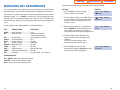
If you have a call record button assigned to your phone, you may press it at any
time, to record the conversation in progress. If you have a display keyset, you will
also have the soft key options to pause and time the message.
Table of Contents
SVMi-E Series
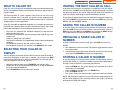
Calling a station that is busy or does not answer you can press [#] to immediately
send the call to the called parties mailbox.
Being Called
If your phone rings and you want to send the caller directly to your mailbox, simply press [#].
Direct Messaging
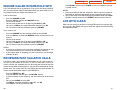
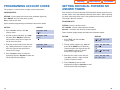
[#] + DSS To make it easy to leave messages for others in your office without having to dial their extension number first, keyset users may simply dial [#] plus a
mailbox (extension) number and leave a message directly. If you dial a busy extension press [#] to connect directly with the mailbox.
Self Memo (Reminder)
Pressing [##] will leave a message in your own mailbox. This is useful to remind
yourself of things to do now or in the future. Messages can be sent with future
delivery so you can have the system call you when items become due.
INTERACTIVE DISPLAYS
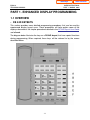
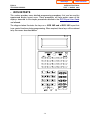
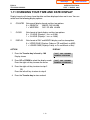
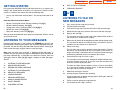
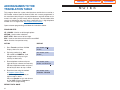
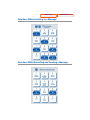
Display keyset users have the added advantage of using the soft keys and displays
to play, save, delete, reply, call, forward, rewind, pause, fast forward, change the
volume, get message information, or help.
Viewing Mailbox Contents
If you have new messages, in addition to the Terminal Status Indicator (TSI) you
will be able to use the keyset displays and soft keys to communicate with the
SVM/SVMi E-Series.
18
19