1
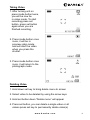
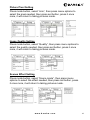
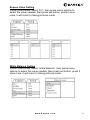
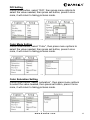
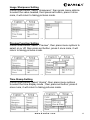
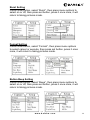
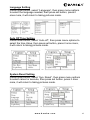
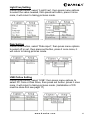
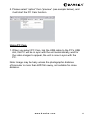
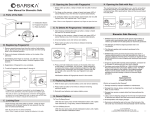
5. Please select “option” then “preview” (see sample below), and
it will start the PC Cam function
Using PC Cam
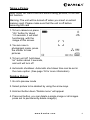
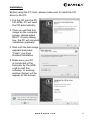
1. When you select PC Cam, link the USB cable to the PC’s USB
slot, the PC will be in sync with the unit automatically, wait for
the video images to appear, the unit is now in sync with the
PC.
Note: Image may be hazy unless the photographic distance
of binocular is more than 60ft/18m away, not suitable for close
distance.
www.barska.com
18