1
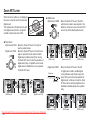
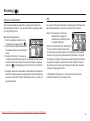
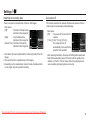
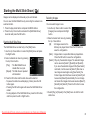
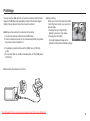
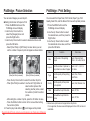
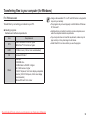
Transferring files to your computer (for Windows)
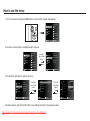
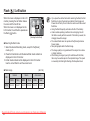
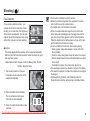
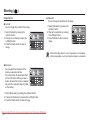
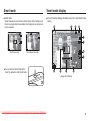
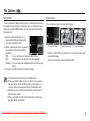
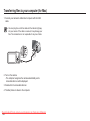
2. Turn on the camera.
- The computer recognizes the camera automatically.
If the camera fails to connect, a pop-up window will appear.
Select Computer.
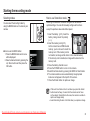
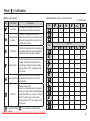
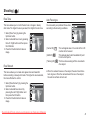
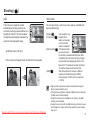
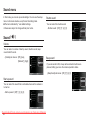
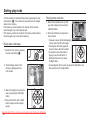
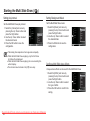
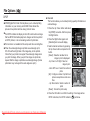
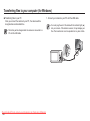
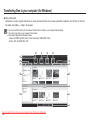
3. On your PC, select [My Computer ĺ Removable Disk ĺ DCIM
ĺ 100PHOTO].
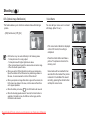
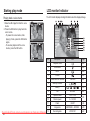
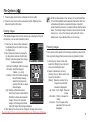
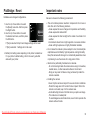
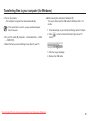
Disconnecting the camera (for Windows XP)
The way to disconnect the USB cable for Windows Vista / 7 is
similar.
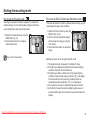
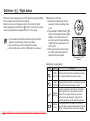
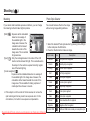
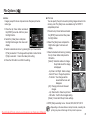
1. If the status lamp on your camera is blinking, wait until it stops.
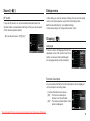
2. Click (
screen.
) on the tool bar at the bottom right of your PC
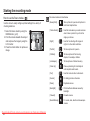
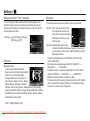
4. Select the files you want and drag or save them to your PC.
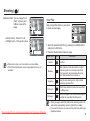
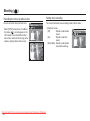
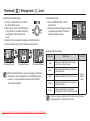
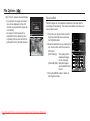
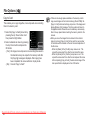
3. Click the pop-up message.
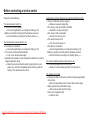
4. Remove the USB cable.
Downloaded From camera-usermanual.com Samsung Manuals
101