1
iR6570_CMB_Upgrade_ENG_Post_Final.book Page 40 Tuesday, May 24, 2005 12:12 PM
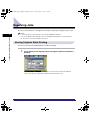
Reserved Copying
Introduction to the Copy Functions
1
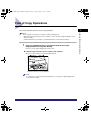
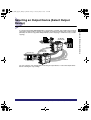
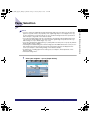
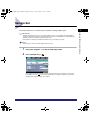
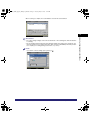
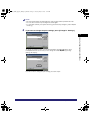
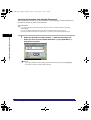
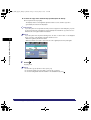
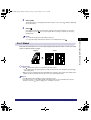
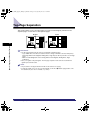
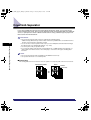
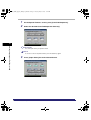
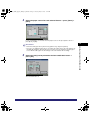
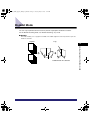
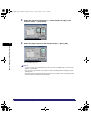
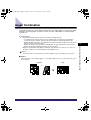
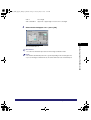
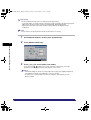
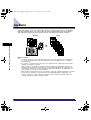
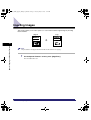
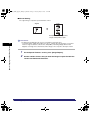
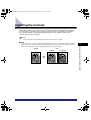
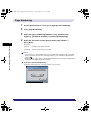
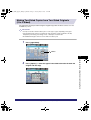
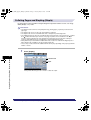
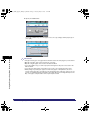
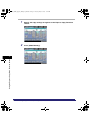
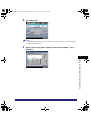
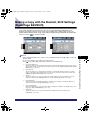
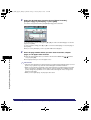
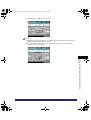
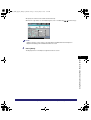
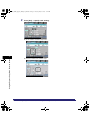
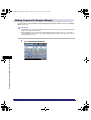
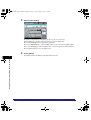
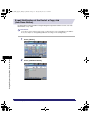
You can set the machine to scan originals even while it is printing or waiting to process a job.
NOTE
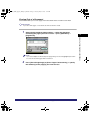
• You can reserve up to five copy jobs, including the current job. The remote copy and interrupt copy jobs
are not included in this count.
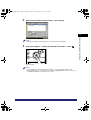
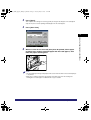
• You can set different copy modes and paper sources, including the stack bypass, for each reserved job.
(See "Using the Stack Bypass," on p. 1-42.)
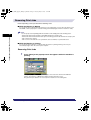
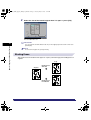
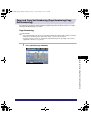
Reserving Copy Jobs
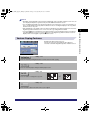
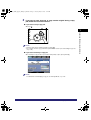
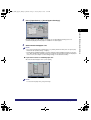
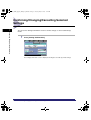
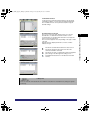
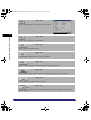
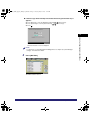
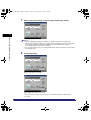
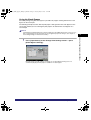
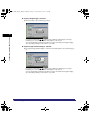
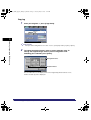
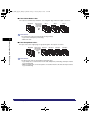
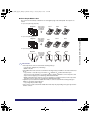
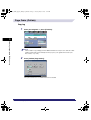
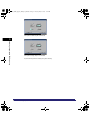
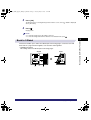
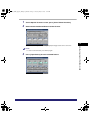
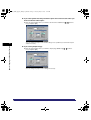
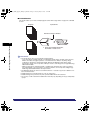
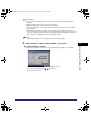
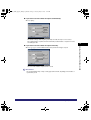
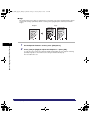
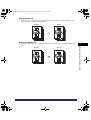
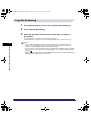
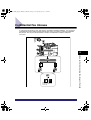
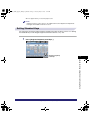
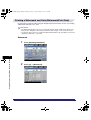
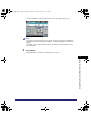
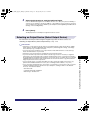
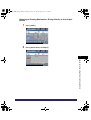
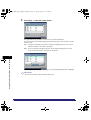
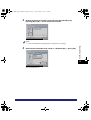
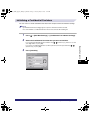
Reserved printing can be specified in the following cases:
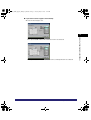
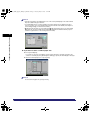
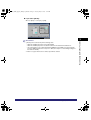
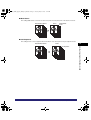
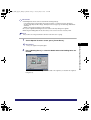
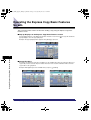
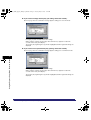
■ While the Machine Is Waiting
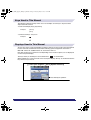
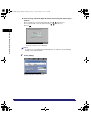
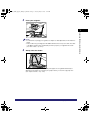
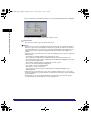
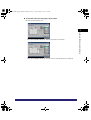
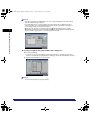
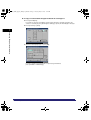
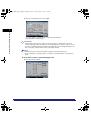
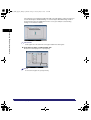
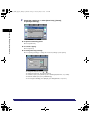
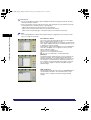
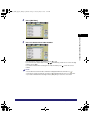
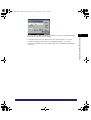
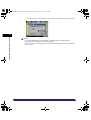
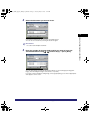
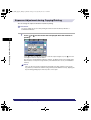
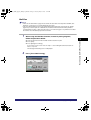
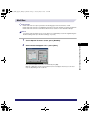
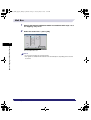
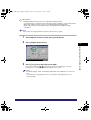
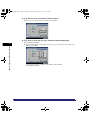
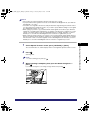
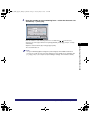
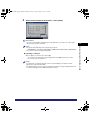
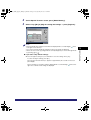
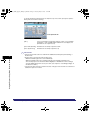
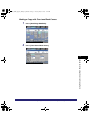
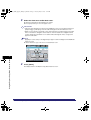
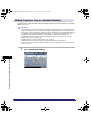
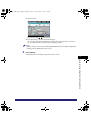
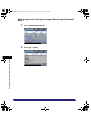
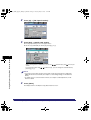
You can specify copy settings or scan originals while the machine is in the waiting state, such as when
the power is just turned ON, or after a paper jam is cleared. Copying automatically begins when the
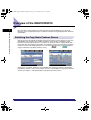
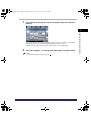
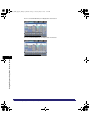
machine is ready. The message <Reservation copies can be made.> appears on the machine when it is
able to process reserved copying.
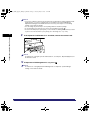
NOTE
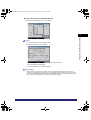
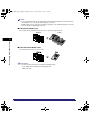
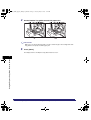
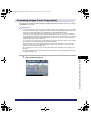
You can specify reserved copying while the machine is in the waiting state in the following cases:
- Between the time that the machine is turned ON and when it is ready to copy
- After a paper jam is cleared
- After a cover on the main unit or an optional unit, such as a finisher, is opened and closed
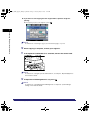
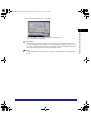
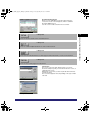
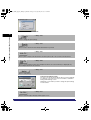
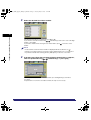
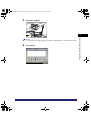
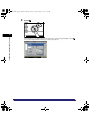
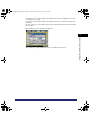
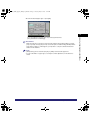
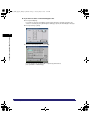
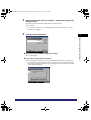
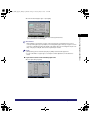
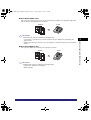
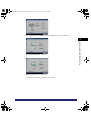
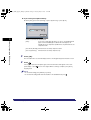
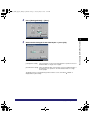
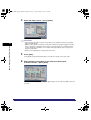
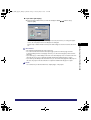
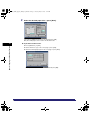
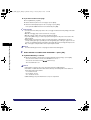
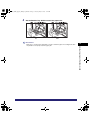
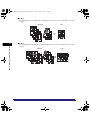
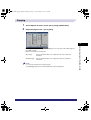
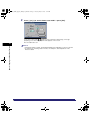
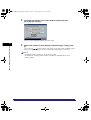
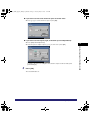
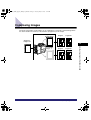
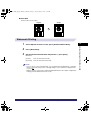
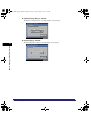
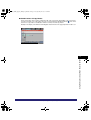
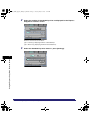
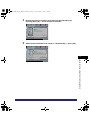
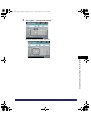
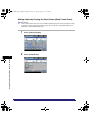
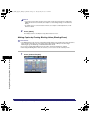
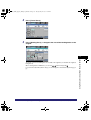
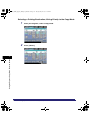
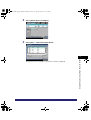
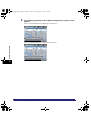
■ While the Machine Is Printing
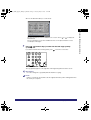
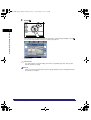
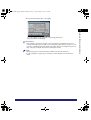
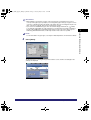
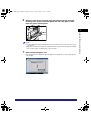
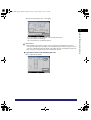
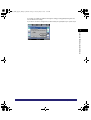
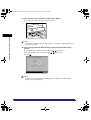
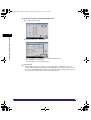
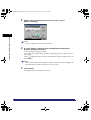
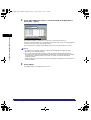
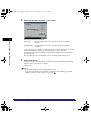
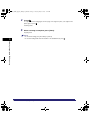
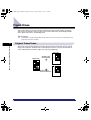
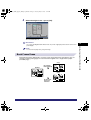
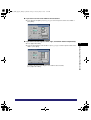
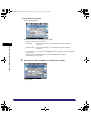
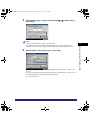
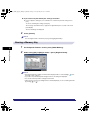
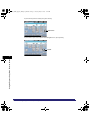
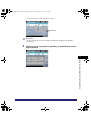
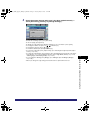
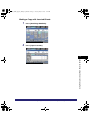
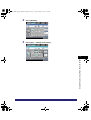
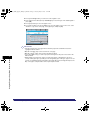
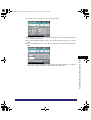
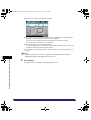
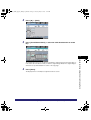
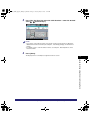
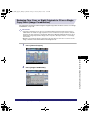
You can specify copy settings for a new job while the machine is printing. Copying of the new job
automatically begins when the current job is complete.
1-40
Reserved Copying