1
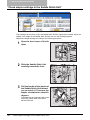
10 WHEN THIS MESSAGE APPEARS
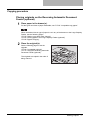
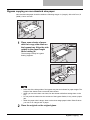
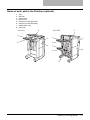
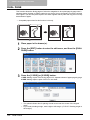
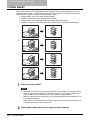
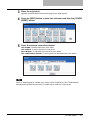
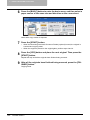
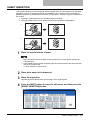
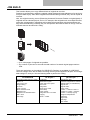
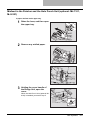
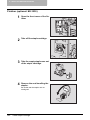
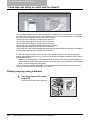
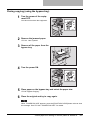
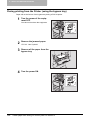
During printing from the Printer (using the bypass tray)
Paper will not be fed out of the bypass tray during a FAX reception.
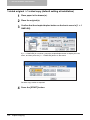
1
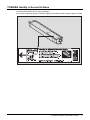
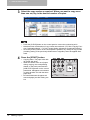
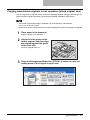
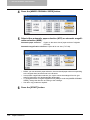
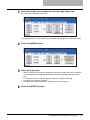
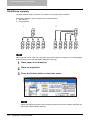
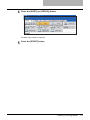
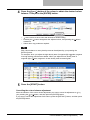
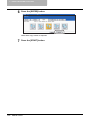
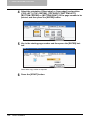
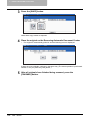
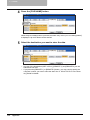
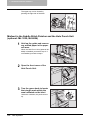
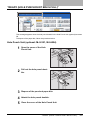
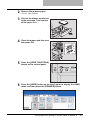
Turn the power of the equipment OFF.
You cannot shut down the equipment.
368
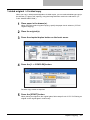
2
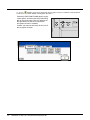
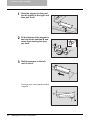
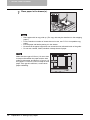
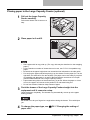
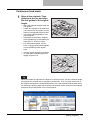
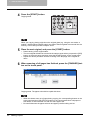
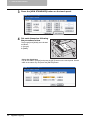
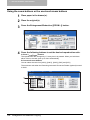
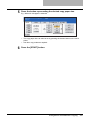
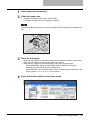
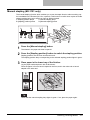
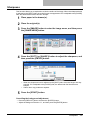
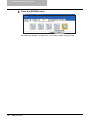
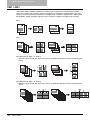
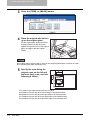
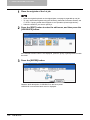
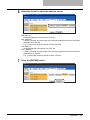
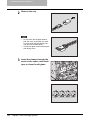
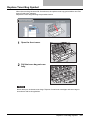
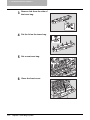
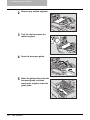
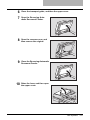
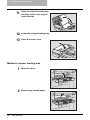
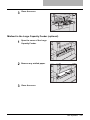
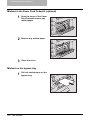
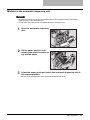
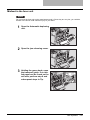
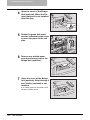
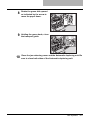
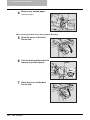
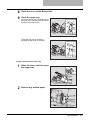
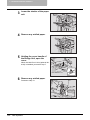
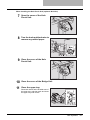
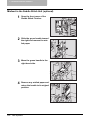
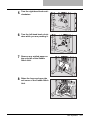
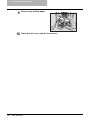
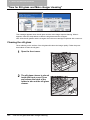
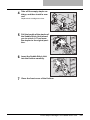
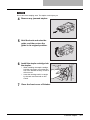
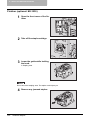
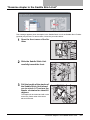
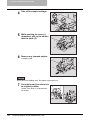
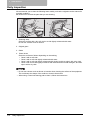
Remove the jammed paper.
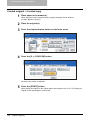
3
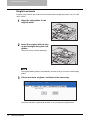
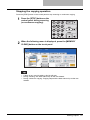
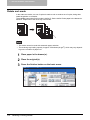
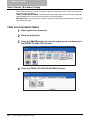
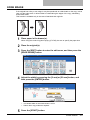
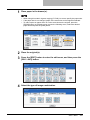
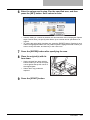
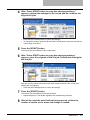
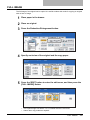
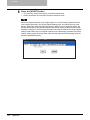
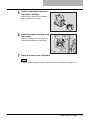
Remove all the paper from the
bypass tray.
4
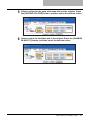
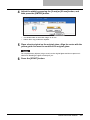
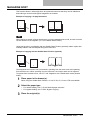
Turn the power ON.
P.311 “Jam Symbols”
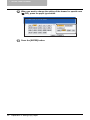
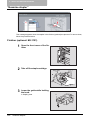
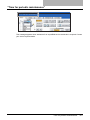
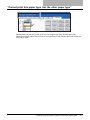
“Check paper size setting on control panel for drawer N”