1
chapter 6
replace the print cartridges
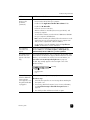
The HP PSC notifies you when you need to replace your print cartridges.
Replace the print cartridges when you see faded text or if you experience print
quality issues related to the print cartridges.
For more information on ordering replacement print cartridges, see order print
cartridges on the inside back cover.
1
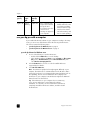
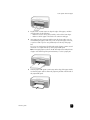
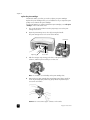
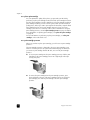
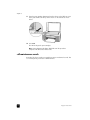
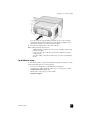
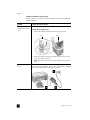
Turn on the HP PSC and then lower the paper tray to access the printcarriage access door.
2
Open the print-carriage access door by lowering the handle.
The print carriage moves to the center of the HP PSC.
Push down
Paper tray
3
Print-carriage
access door
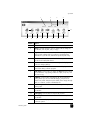
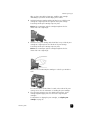
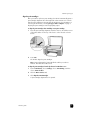
After the carriage stops moving, push down on the print cartridge to
release it, and then pull it toward you out of its slot.
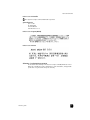
Note: It is normal to see ink buildup in the print cartridge slots.
4
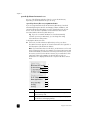
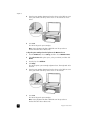
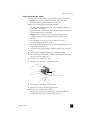
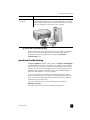
Remove the new print cartridge from its packaging and, being careful to
touch only the bright pink plastic tab, gently remove the plastic tape to
uncover the ink nozzles.
Caution! Do not touch the copper contacts or ink nozzles.
34
hp psc 1300 series