1
A-2
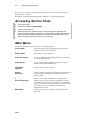
Accessing Service Tools
Service Tools is where you configure Spark, format disks, carry out hardware tests, and
upgrade Spark ’s software.
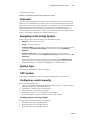
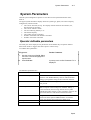
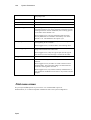
The System Configuration functions appear in Chapter 19 - System Configuration.
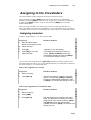
Accessing Service Tools
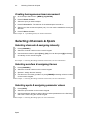
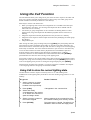
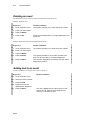
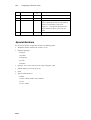
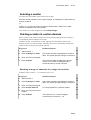
1. Turn off the power.
2. Press and hold down [CE] [CLEAR]
3. Turn the power back on.
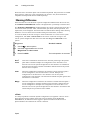
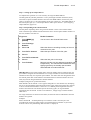
4. After a few seconds, release the keys. After running some self-tests, the
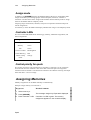
Service Tools main menu is displayed. The information on the upper part of the
screen shows the different sections of the program and EPROM. The lower
area of the screen shows the current F key functions.
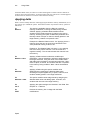
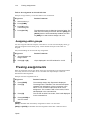
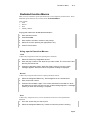
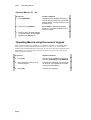
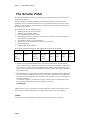
Main Menu
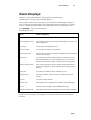
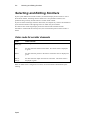
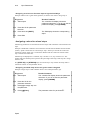
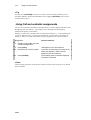
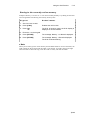
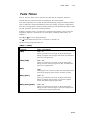
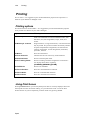
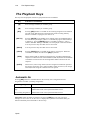
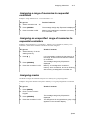
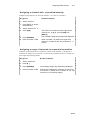
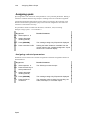
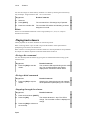
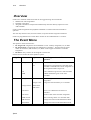
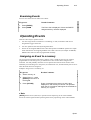
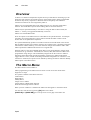
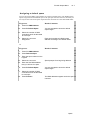
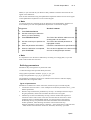
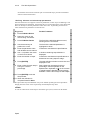
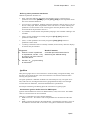
In the main menu, the Function keys offer the following options:
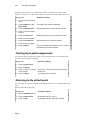
F1 Cold Start
Clears the system of all show memory data. The system
should be 'cold started' occasionally.
F2 Warm Start
Retains all the current memories.
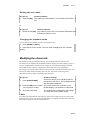
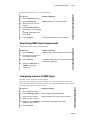
F3 Config. System
Access the different system definition options. See Chapter
19 - System Configuration.
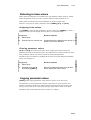
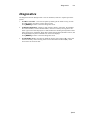
F4 Diagnostic
Access various diagnostic functions that aid in isolating
hardware and keyboard malfunctions.
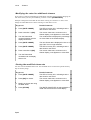
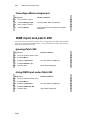
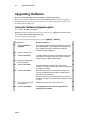
F5 Software
Upgrade
Used to replace software versions.
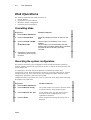
F6 Disk
Operations
Tools for diskette formatting and software upgrades. Record
and Load system configuration. Boot floppy, boots the
system to DOS.
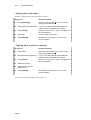
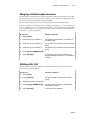
0
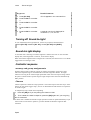
Print Configuration
Print the entire system configuration, including current
software version, current hardware configuration, system
configuration (number of spots, channels, etc.), NOVRAM
set up, etc. If this print is included in the file you keep on the
show, there will be no guessing as to which system
configuration was used.
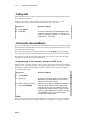
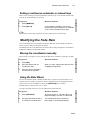
MENU More…
Access Patch 999 – see Appendix C Dimmer Status and
Patch 999.
Spark