1
Chapter 5: Installation
Installing an Optional Headset on a Digital Endpoint
Installing an Optional Headset on a Digital Endpoint
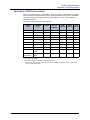
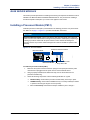
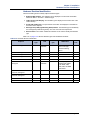
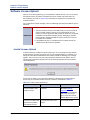
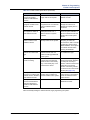
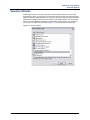
For headset requirements, see “Optional Headsets” on page 4-42.
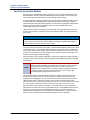
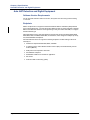
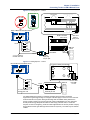
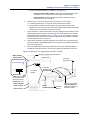
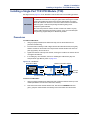
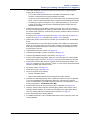
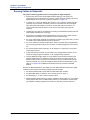
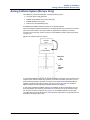
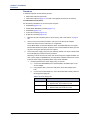
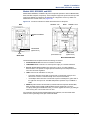
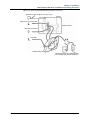
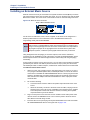
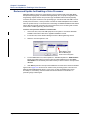
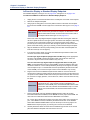
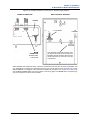
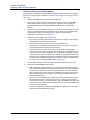
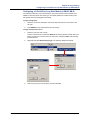
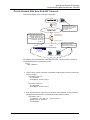
To attach a headset to an applicable digital endpoint*:
*Includes Executive, Professional, Standard, or Associate Display endpoints; Axxess or
Eclipse Basic digital endpoints; or the Model 8500 endpoint.
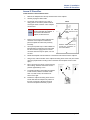
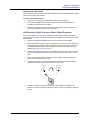
1.
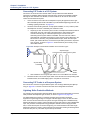
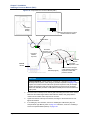
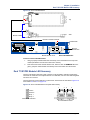
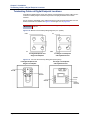
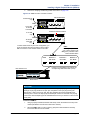
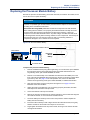
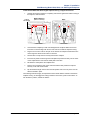
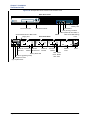
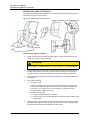
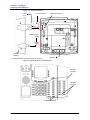
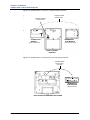
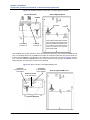
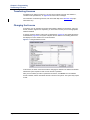
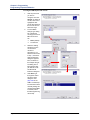
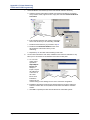
Remove the coiled handset cord from the handset jack on the bottom of the endpoint.
Leave the handset in the cradle.
2.
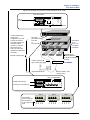
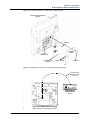
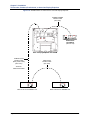
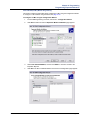
Insert the headset modular plug into the jack. Plug in the headset power source, if used.
3.
If the headset has an ON/OFF switch, turn ON the headset.
4.
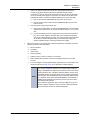
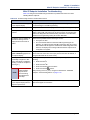
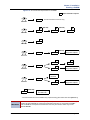
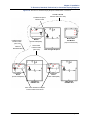
On the endpoint, press the Special button and enter the Headset Enable feature code
(default value is 315).
5.
To disable the headset, press the Special button and enter the Headset Disable feature
code (default value is 316). Unplug the headset and reconnect the handset.
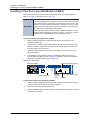
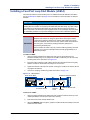
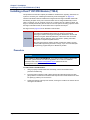
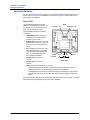
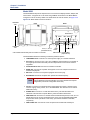
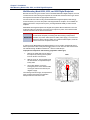
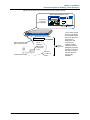
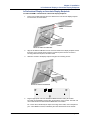
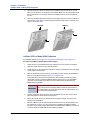
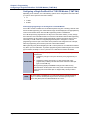
To attach a headset to a Model 8520 or 8560 endpoint:
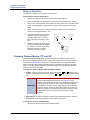
1.
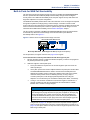
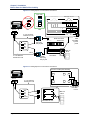
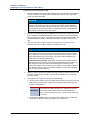
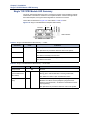
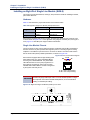
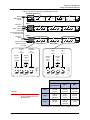
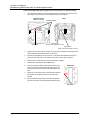
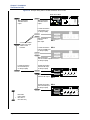
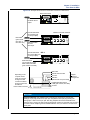
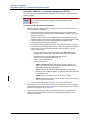
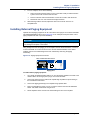
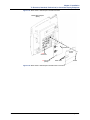
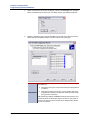
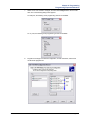
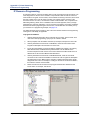
Insert the headset modular plug into the jack located underneath the endpoint. Plug in
the headset power source, if used.
2.
If the headset has an ON/OFF switch, turn ON the headset.
3.
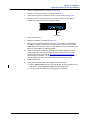
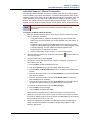
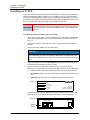
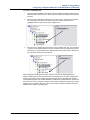
On the endpoint, press
value is 315).
4.
To disable the headset, press ∞
and enter the Headset Disable feature code
(default value is 316). Unplug the headset and reconnect the handset.
Mitel ® 5000 Installation Manual – Issue 3.0, October 2008
∞
and enter the Headset Enable feature code (default
Page 5-137