1
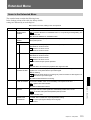
Making settings for mixing an audio input
signal (extension menu item 819)
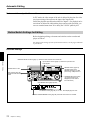
Extended Menu Operations
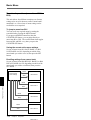
To use the extended menu, set basic menu item 099
MENU GRADE to ENHAN beforehand.
In the extended menu, you can carry out the same
operations as in the basic menu except setting of subitems.
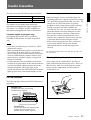
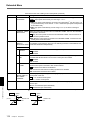
Using extension menu item 819, you can mix audio
input signals, dub an input audio signal over a channel
previously recorded on the tape, or mix an audio input
signal with an audio channel recorded on the tape
(sound-on-sound).
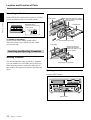
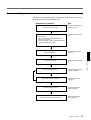
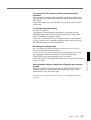
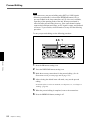
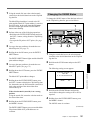
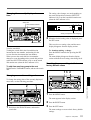
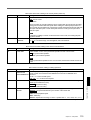
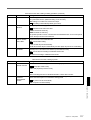
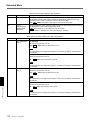
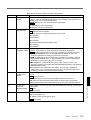
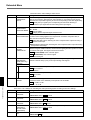
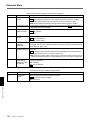
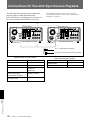
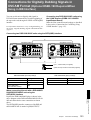
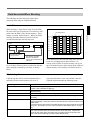
To carry out the extension menu item 819 settings, use
the following procedure.
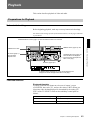
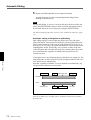
To set sub-items
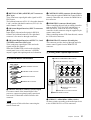
6 3
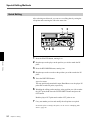
Operate as follows.
2
2
3
1
1
2
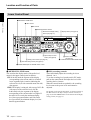
Press the STOP button.
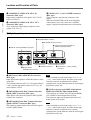
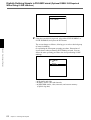
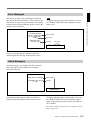
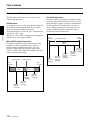
The following displays appear in the display
section of the lower control panel and on a monitor
connected to this unit.
Chapter 6
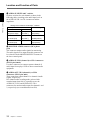
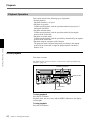
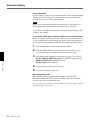
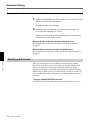
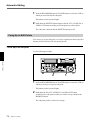
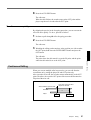
Holding down the STOP button, turn the search
dial to select the desired sub-item.
Select extension menu item 819.
For details of selecting a menu item, see the section,
“Changing the currently displayed menu item” (page
111).
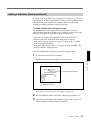
Turn the search dial to select the desired menu
item.
For information about how to select a menu item, see
the section “Changing the currently displayed menu
item” (page 111).
2
1
4
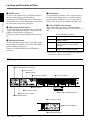
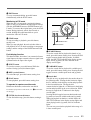
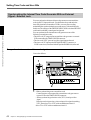
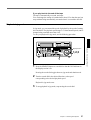
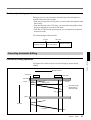
Display section
3
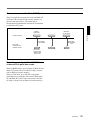
Recording channel number
Setup Menu
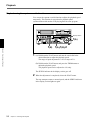
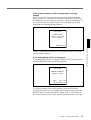
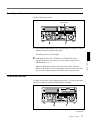
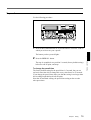
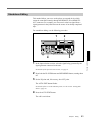
Holding down the SEARCH button, turn the search
dial to change the value for the selected sub-item.
Input channel number
Setting
Item number
(Continued)
Chapter 6
Setup Menu
123