1
Useful Features
Playback
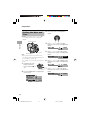
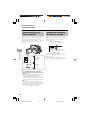
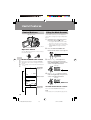
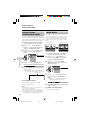
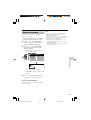
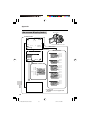
Stretch Playback
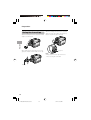
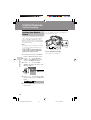
To cancel stretch playback
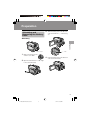
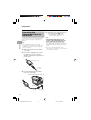
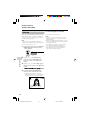
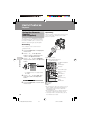
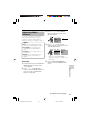
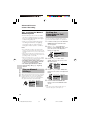
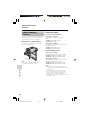
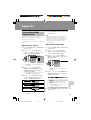
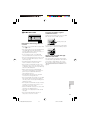
Stretch playback allows you to playback a
squeezed image with the wide screen feel
of a movie shown in a theatre. Useful when
you want to play back images recorded by
a camera other than this camcorder in wide
mode on a 4:3 TV.
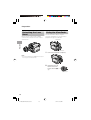
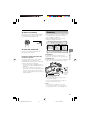
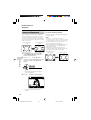
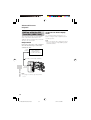
Squeezed image
(4:3)
Stretch playback
(16:9)
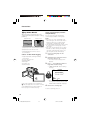
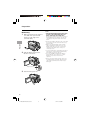
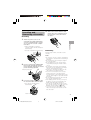
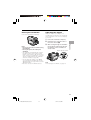
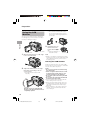
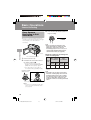
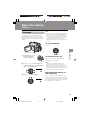
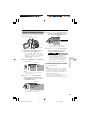
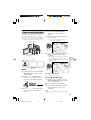
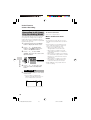
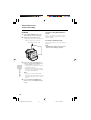
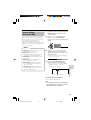
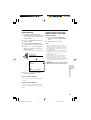
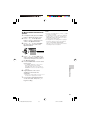
In Playback mode, press the DISPLAY/MODE SET button until the
mode screen appears.
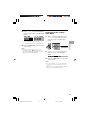
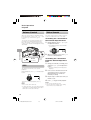
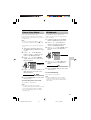
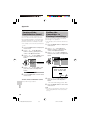
2
Press l or m on the Operation
button to select “STRETCH PB”, then
press the centre of the Operation
button.
Useful Features
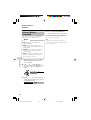
1
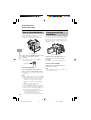
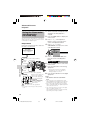
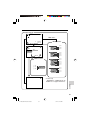
Press the centre of the Operation button
in step 3 above.
Notes:
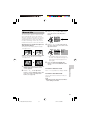
• “Squeeze” is an image compression
technology. A 16:9 image is compressed and
recorded (squeeze recorded) as a 4:3 image.
• In stretch playback mode, you cannot
perform picture effect playback.
• When outputting the stretch playback image
from the DV terminal, the original image
signal will be output.
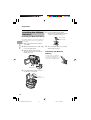
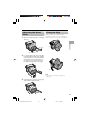
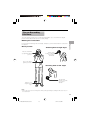
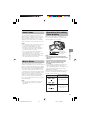
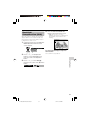
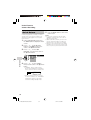
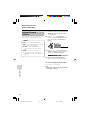
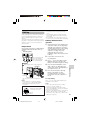
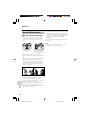
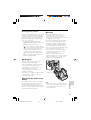
• When performing stretch playback, the
normal recorded image (picture aspect ratio
4:3) will be stretched as shown below.
4:3 picture aspect
ratio image
Stretch playback
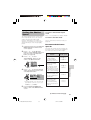
P I C. EF F ECT
AU D I O DU B
STRETCH PB EXE CUT E
• Playback will stop after turning on
stretch playback.
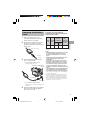
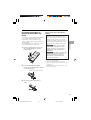
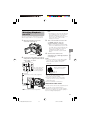
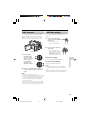
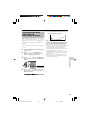
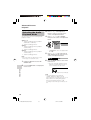
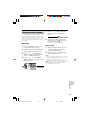
3
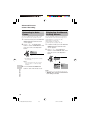
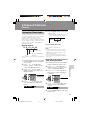
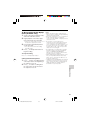
Press m to begin stretch playback.
AUDIO1 + 2
STRE T CH PB
CANC E L
PAUSE
STOP
R EW
FF
• The picture displays with black
bands.
46
VL-Z300H/VL-Z100H-042-046
46
04.2.12, 1:37 PM