1
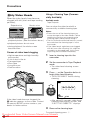
Backlight
Compensation (BLC)
Available modes:
Tape Camera, Card Camera
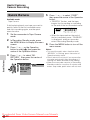
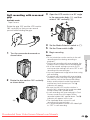
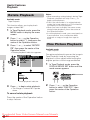
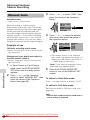
4
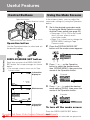
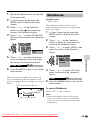
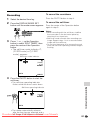
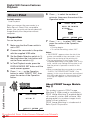
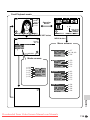
Press the DISPLAY/MODE SET
button to turn off the mode screen.
• “x” appears when on-screen
indicators are turned on, indicating that
the backlight compensation is now
working.
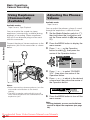
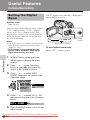
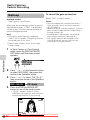
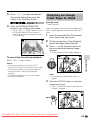
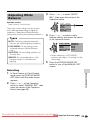
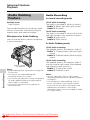
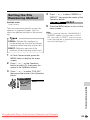
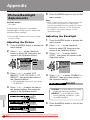
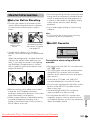
When the subject is backlit, the image will
appear dark if it is recorded normally. Use
the backlight compensation (BLC) function
to brighten the entire screen.
PAUSE
• The example screens shown are for Tape
Camera mode.
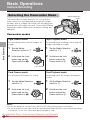
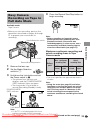
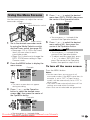
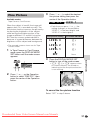
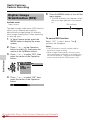
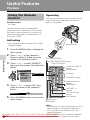
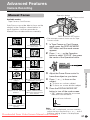
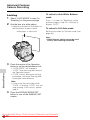
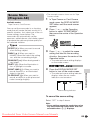
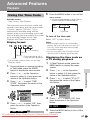
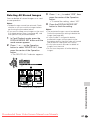
1
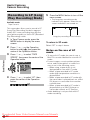
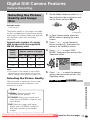
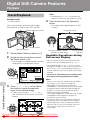
In Tape Camera or Card Camera
mode, press the DISPLAY/MODE
SET button until the mode screen
appears.
AU TO
3 0min
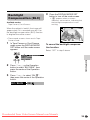
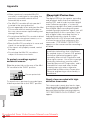
To cancel the backlight compensation function
Select “OFF” in step 3 above.
MANU A L S E T E X E C U T E
F OCUS
AUTO F OCUS
BLC / GA I N
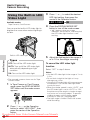
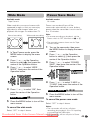
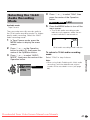
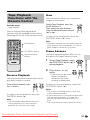
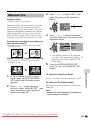
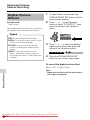
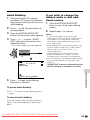
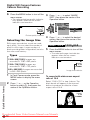
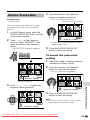
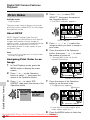
Press l or m on the Operation
button to select “BLC/GAIN”, then
press the centre of the Operation
button.
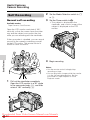
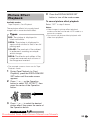
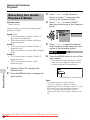
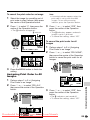
3
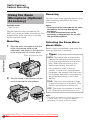
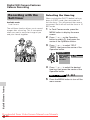
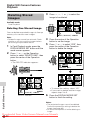
Press l or m to select “ON x”,
then press the centre of the Operation
button.
BLC / GA I N
Useful Features
2
ON
Downloaded From VideoCamera-Manual.com Manuals
35