1
A.3.2 Installing a Hard Drive in a Drive Tray
Follow these steps to install a hard drive in a drive tray.
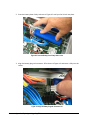
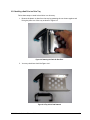
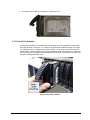
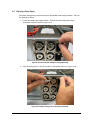
1. Remove the plastic air dam from the tray by squeezing the two levers together and
lifting the piece out of the tray as shown in Figure A-9.
Figure A-9 Removing the Plastic Air Dam Piece
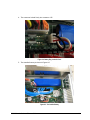
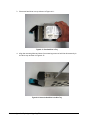
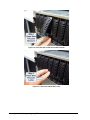
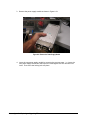
2. Your tray should now look like Figure A-10.
Figure A-10 Tray with Air Dam Removed
DSN-3000 series Hardware Reference Guide
35