1
Compliance Information............................................................................................... i
Declaration of RoHS Compliance............................................................................... ii
Copyright Information.................................................................................................. iii
Product Registration.................................................................................................... iii
Important Safety Instructions...................................................................................... iv
Getting Started
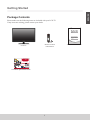
Package Contents......................................................................................................... 1
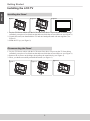
Installing the LCD TV.................................................................................................... 2
Installing the Stand..................................................................................................... 2
Disconnecting the Stand............................................................................................. 2
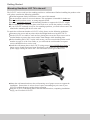
Mounting ViewSonic LCD TV to the wall.................................................................... 3
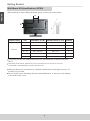
Wall Mount Kit Specifications (VESA)......................................................................... 4
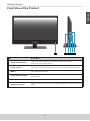
Front View of the Product............................................................................................ 5
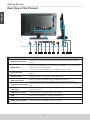
Rear View of the Product............................................................................................. 6
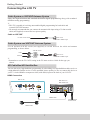
Connecting the LCD TV................................................................................................ 7
Cable System or VHF/UHF Antenna System............................................................. 7
Cable System and VHF/UHF Antenna System.......................................................... 7
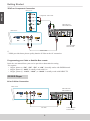
HD Cable Box/HD Satellite Box.................................................................................. 7
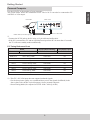
Personal Computer..................................................................................................... 9
Using the TV Features
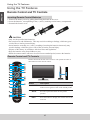
Remote Control and TV Controls................................................................................ 10
Inserting Remote Control Batteries............................................................................. 10
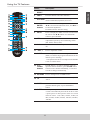
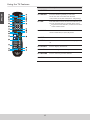
Remote Control and TV Controls................................................................................ 10
Operation............................................................................................................13
Other Information
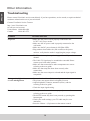
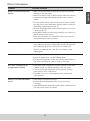
Troubleshooting............................................................................................................ 26
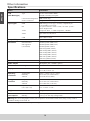
Specifications............................................................................................................... 28
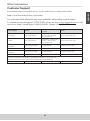
Customer Support........................................................................................................ 29
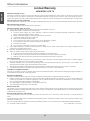
Limited Warranty........................................................................................................... 30
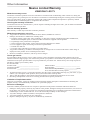
Mexico Limited Warranty............................................................................................. 31
ENGLISH
Contents