1
Linksys E-Series
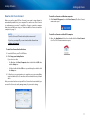
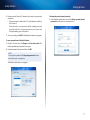
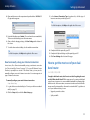
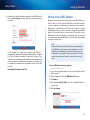
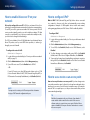
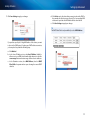
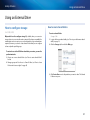
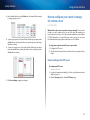
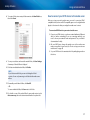
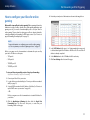
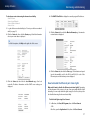
A window opens showing the ping test results. You will see a response
for each successful ping.
Maintaining and Monitoring
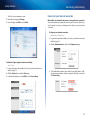
A window opens with the test results.
NOTE
If an Internet URL fails to respond to ping, it doesn’t necessarily
mean that the site is down. For security reasons, some sites are
configured to not respond to ping requests.
How to configure and use logs
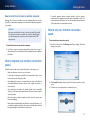
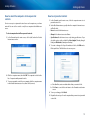
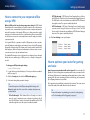
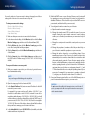
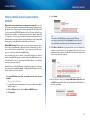
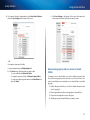
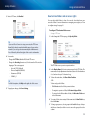
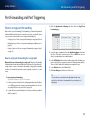
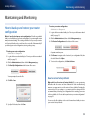
4. To trace the route that packets take between your router and a specific
address, enter an address in the IP or URL Address field of the Traceroute
Test section, then click Start to Traceroute.
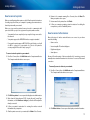
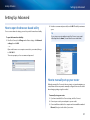
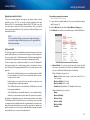
What kind of logging capabilities does my router have? Your router can
track all traffic for your Internet connection. Your router supports four types of
logs:
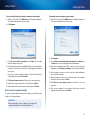
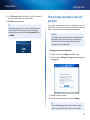
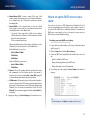
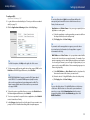
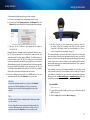
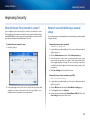
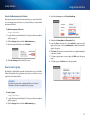
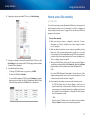
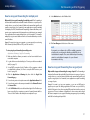
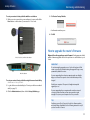
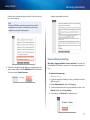
To enable and view router logs:
Administration > Log
1. Log into the browser-based utility (see “How to open the browser-based
utility” on page 21).
2. Click the Administration tab, then click the Log page.
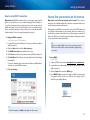
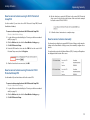
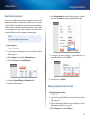
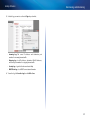
3. To monitor traffic between the local network and the Internet, select
Enabled (default), then click Save Settings.
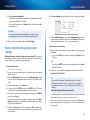
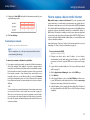
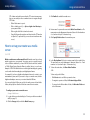
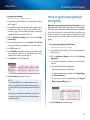
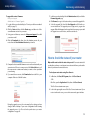
4. To view the logs, click View Log. The Log window opens.
59