1
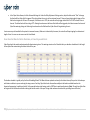
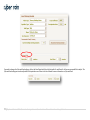
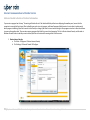
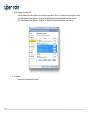
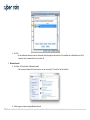
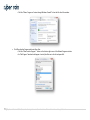
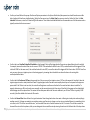
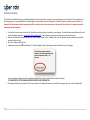
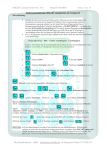
e. Click OK o In the medication window you can set the specific rules that apply to that exclusion. This should be set to Allow Direction: In/Out, Computer: Any, Communication: Any, Protocol: All 2. Windows Firewall a. Click Start Control Panel Windows Firewall o The icon may be found in the Security section, or you can search for “Firewall” in the Control Panel b. Allow Program or Feature through Windows Firewall 21 | C y b e r - R a i n X C I S m a r t I r r i g a t i o n C o n t r o l l e r T r o u b l e s h o o t i n g G u i d e