1
RED SCARLET-X OPERATION GUIDE
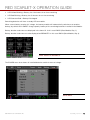
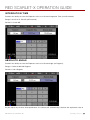
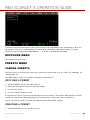
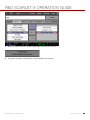
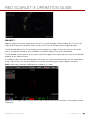
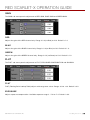
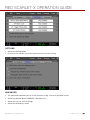
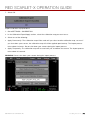
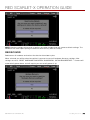
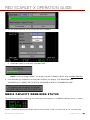
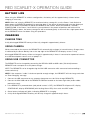
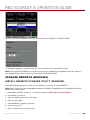
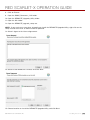
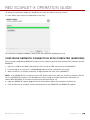
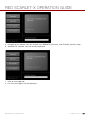
6. Connection is Established With REDMOTE will be displayed when connected. If the connection is not
established, then disable all internet connections and try again.
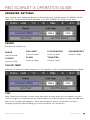
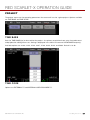
7. Proceed to Upgrade REDMOTE Firmware (Windows) on 219.
U PG RAD E REDM O TE FI RMWARE ( WIN DO WS)
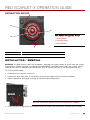
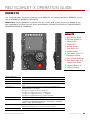
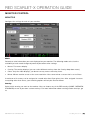
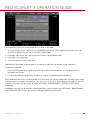
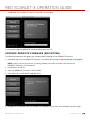
The following information will guide you through proper updating of your REDMOTE firmware.
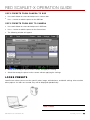
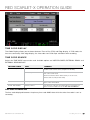
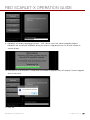
1. Download and save the REDMOTE_Firmware_vX.X.XX.zip file located at http://www.red.com/support.
NOTE: Always review the read_me_installing_redmote_vX.X.XX instructions contained in the
REDMOTE_Firmware_vX.X.XX.zip file.
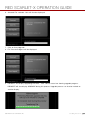
2. Uncompress the zip file.
3. Open the REDMOTE_Firmware_vX.X.XX folder.
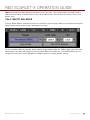
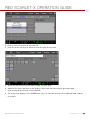
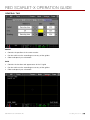
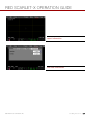
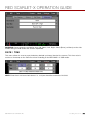
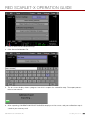
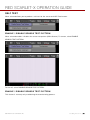
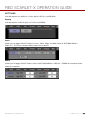
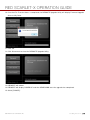
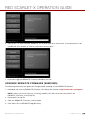
4. Click Select File in REDMOTE Upgrade Utility.
COPYRIGHT © 2013 RED.COM, INC
955-0003_v4.0, Rev-A | 2 19