1
P200_05.QX 98.4.22 10:28 AM ページ 59
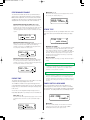
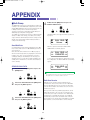
Velocity Curves
■ Internal Equalizer
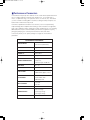
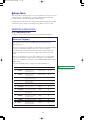
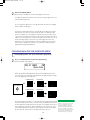
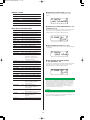
The P-200 has 10 different types of sensitivity settings for both
internal voices and external MIDI instruments, organized in four
categories: Normal, Soft-1~3, Hard-1~3, and Fixed-1~3.
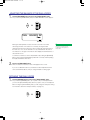
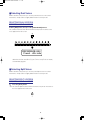
The Internal Equalizer function lets you adjust the volume of
the low, middle and high EQ ranges for the currently selected
internal voice.
These give you wide and flexible control over how the strength
of your playing affects the volume of the internal voices and
external MIDI instruments.
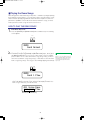
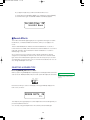
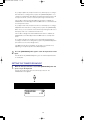
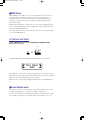
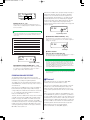
EQ
LOW= 0
%
❏ NORMAL
The Normal curve is programmed to best suit the internal
Piano 1 voice.
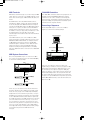
● EQ (Low, Mid, High)
You can boost (increase) or cut (decrease) the volume of each
range independently, with -16 representing maximum volume cut,
16 representing maximum volume boost, and 0 representing
normal volume. (The default for each voice is 0.)
On a conventional acoustic instrument such as an acoustic
piano, the harder you play, the louder the resulting sound. This
velocity-to-volume relationship is more or less linear; in other
words, the sound becomes louder in direct propotion to your
playing strength.
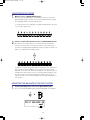
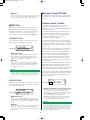
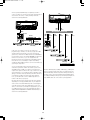
■ Reverb
❏ Soft-1, Soft-2, Soft-3
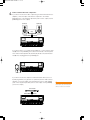
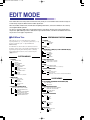
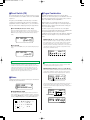
When the P-200 is in Edit mode, pressing [REVERB] accesses
the Reverb Type and Depth settings for the currently selected
voice.
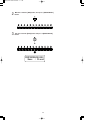
The Soft curves are designed to increase the level of the
sound with a softer playing style.
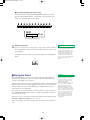
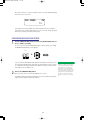
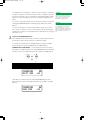
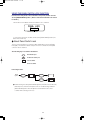
KBD SENS.INT %
soft-2e
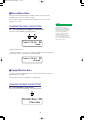
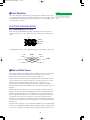
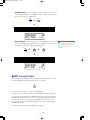
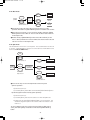
REVERB TYPE
%
T=room
D=4Ç
Reverb type
Depth
● REVERB TYPE (Room, Stage, Hall, Off)
❏ Hard-1, Hard-2, Hard-3
You can select one of the three reverb types for the currently
selected voice or turn the reverb off.
The Hard curves are designed to increase the level of the
sound with a stronger playing style.
● DEPTH (0 ~ 7)
You can set the reverb depth value between 0 (no effect) and 7
(maximum effect).
KBD SENS.INT %
hard-1h
NOTE
You can also access the Reverb Type and Depth parameters in Voice Play
mode (see page 26).
❏ Fixed-1, Fixed-2, Fixed-3
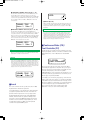
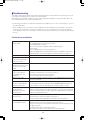
■ Modulation
The Fixed curves create flat velocity response. The volume of
the sound remains the same, no matter how softly or strongly
the keys are played.
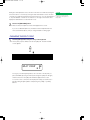
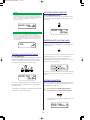
When the P-200 is in Edit mode, pressing [MODULATION]
accesses the Modulation Type and Speed settings for the
currently selected voice.
KBD SENS.INT %
fixed-1i
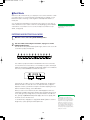
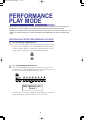
MOD. TYPE
%
T=tremolo S=2á
Modulation type
Speed
● MODULATION TYPE (Chorus, Symphonic,
Tremolo, Off)
You can select one of the three modulation types for the currently
selected voice or turn the modulation off.
● SPEED (0 ~ 7)
You can set the modulation speed value between 0 (no effect) and
7 (maximum effect).
NOTE
You can also access the Modulation Type and Speed parameters in Voice
Play mode (see page 27).
59