1
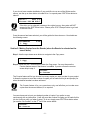
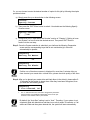
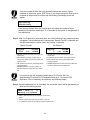
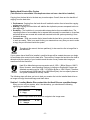
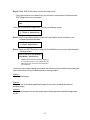
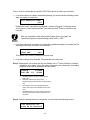
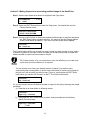
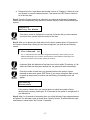
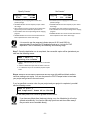
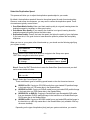
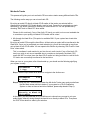
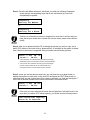
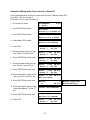
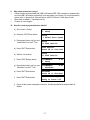
Chapter 3: Basic Operations Make Disc-to-Disc Copies This process will copy your master disc onto one or multiple blank discs simultaneously. However, due to its simultaneous nature, a good conditioned master disc and a lower recording speed is recommended for higher success rates and better quality duplications. For a disc-to-disc copy, the copy source can be either of these devices: The reader: The reader normally is the 1st drive from the top of the system and is most often the source typically used when making disc-to-disc copies. Any of the writers: One of the writers can also be used as the copy source when making disc-to-disc copies. This option is typically only used when the reader is either bad or unable to read the master disc. If your system has a hard drive installed, it will simultaneously load the master disc image into the hard drive while copying from the reader drive to the writer drives during the first round of the copy process; Then starting from the 2nd round, all copies will be made from the hard drive for enhanced performance and reliability. If you prefer not to utilize this feature, please change the “Duplication Mode” setting to “On the Fly” under “Setup” menu. Please refer to page 32 for more details. Section 1: Selecting the Copy Source. Ignore this section and proceed to Section 2 if your system does NOT have a Hard Drive installed. When you turn on your system, after it has booted up, you should see the following signifying your system is ready. DISCMAKERS 1.Copy X.xx Step 1: Press the source shortcut under the display Drive 0 ASUS Port x.x DVD-E818A Step 2: If you plan to use the Reader as the source, use the up or down button to locate Drive 0 (1st drive) and press “ENT”/Enter button to select it. Drive 0 ASUS Port x.x DVD-E818A -7-