1
Hard Drive Setup
3.16 Hard Drive Setup (hard drive models only)
If you purchased a Kanguru Duplicator with a hard drive, the Hard Drive Setup menu will allow you to
manage your hard drive as well as any images and partitions saved on the hard drive.
Kanguru Solutions
13. Hard Drive Setup
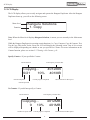
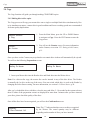
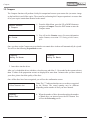
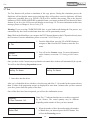
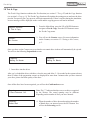
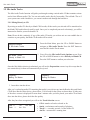
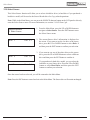
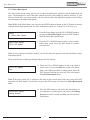
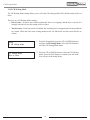
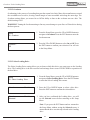
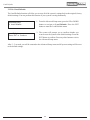
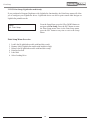
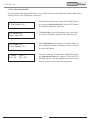
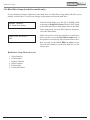
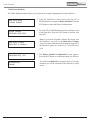
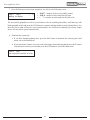
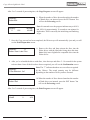
Select HDD as source?
OK?
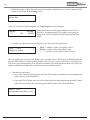
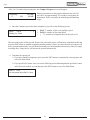
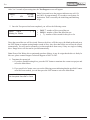
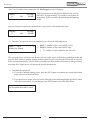
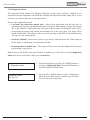
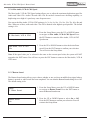
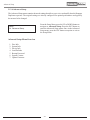
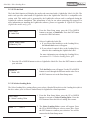
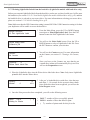
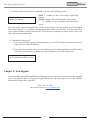
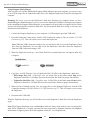
From the Main Menu, press the UP or DOWN button
to navigate to Hard Drive Setup. Press the ENT button
to enter the Hard Drive Setup menu. Once in the Hard
Drive Setup menu, press the ESC button at anytime to
exit to the Main Menu.
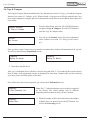
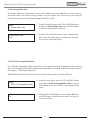
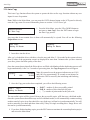
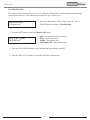
Note: You need to select the hard drive as the Source
drive in order to access the Hard Drive Setup menu. If
the hard drive is not already selected as the Source drive
then you will see the Select HDD as source screen.
Press the ENT button to confirm the hard drive as the
Source drive.
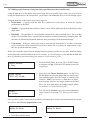
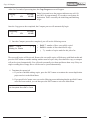
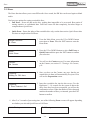
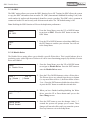
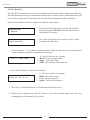
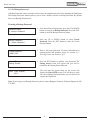
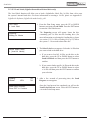
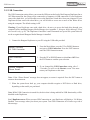
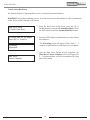
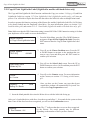
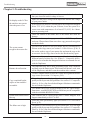
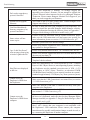
Hard Drive Setup Menu Overview
1.
2.
3.
4.
5.
6.
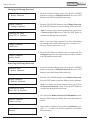
Select Partition
Load Partition
Rename Partition
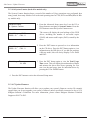
Delete Partition
Partition Info
Format Hard Drive
58