1
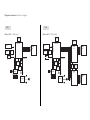
Windows Media Player v11 on Windows XP
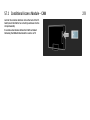
Set for network sharing
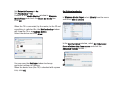
You can open the Settings window to change
particular settings on sharing.
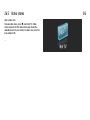
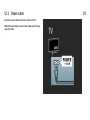
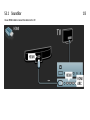
When the device icon (the TV) is checked with a green
tick, click OK.
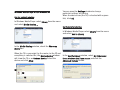
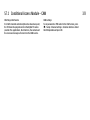
In Windows Media Player select Library from the menu
and select Media sharing …
Set folders for sharing
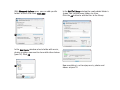
In Windows Media Player select Library from the menu
and select Add to Library.
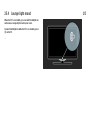
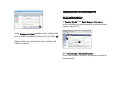
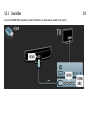
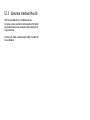
In the Media Sharing window, check the Share my
media box.
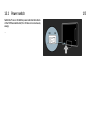
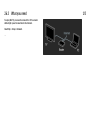
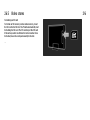
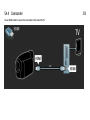
When the TV is connected, by the router, to the PC and
everything is switched On, the Media sharing window
will show the TV as an Unkown Device. Select the
device and click Allow.
1
2
3
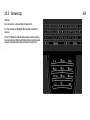
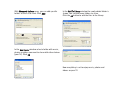
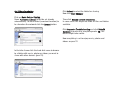
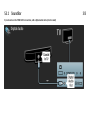
In the Add To Library window, select My folders and
those of others that I can access and click the
Advanced Options button.