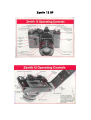
1
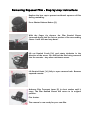
Loading the Camera - Step by step instructions
Always load the camera in subdued light; if outdoors
shield from direct sunlight.
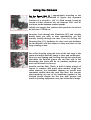
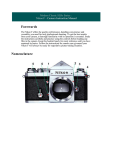
Make sure that the indicator on the Shutter Release Button
[3] is facing towards the front of the camera.
Depress Shutter Release Button [3] - if shutter does not fire
advance Transport Lever [2] in short strokes until it stops
and press Shutter Release Button [3] again.
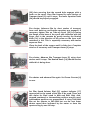
Lift Rewind Knob [16] to open back.
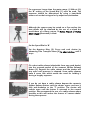
Insert film cassette into Film Chamber [21] projection of
cassette to bottom.
Push Rewind Knob [16] down turning slightly to seat into
cassette.
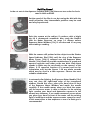
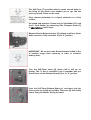
Draw out enough film to insert tip of leader into any of
Take-up Spool's