1
Example "Motion"
5.6 Expand HMI screen
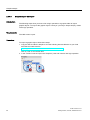
Procedure
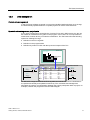
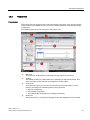
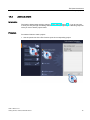
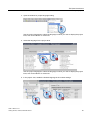
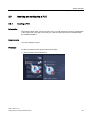
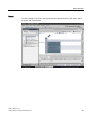
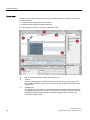
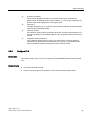
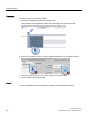
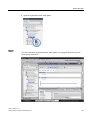
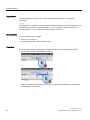
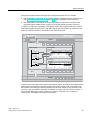
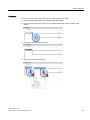
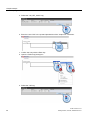
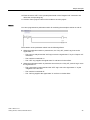
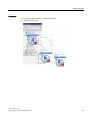
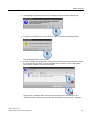
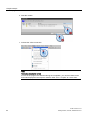
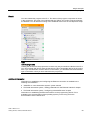
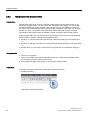
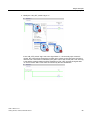
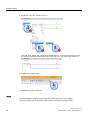
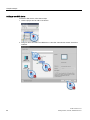
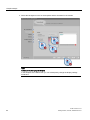
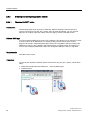
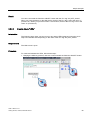
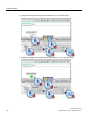
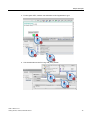
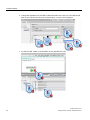
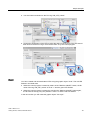
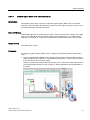
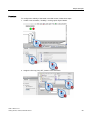
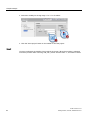
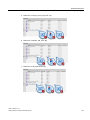
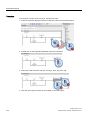
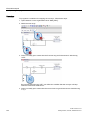
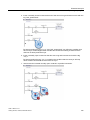
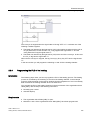
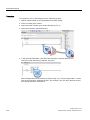
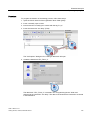
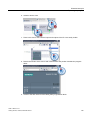
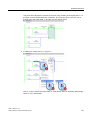
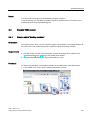
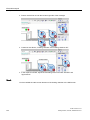
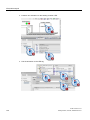
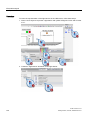
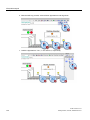
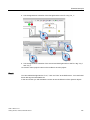
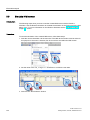
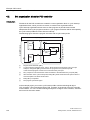
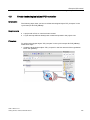
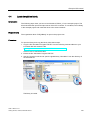
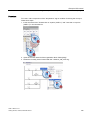
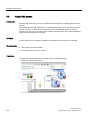
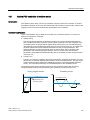
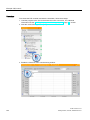
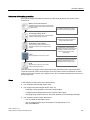
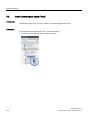
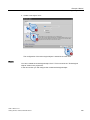
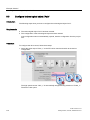
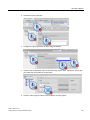
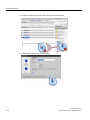
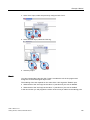
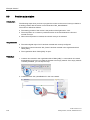
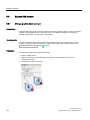
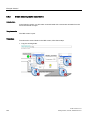
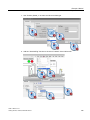
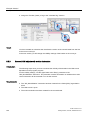
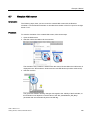
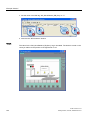
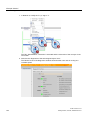
To configure the visibility of the bottles in the HMI screen, follow these steps:
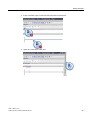
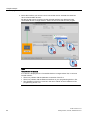
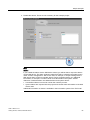
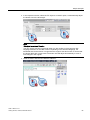
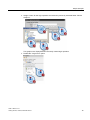
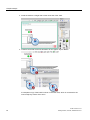
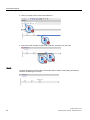
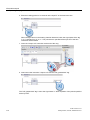
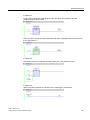
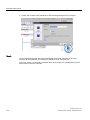
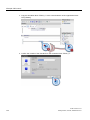
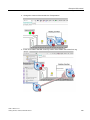
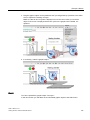
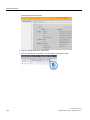
1. Link the "Visibility" animation of the first bottle with the "Busy" parameter of the
"MC_Move Relative" data block.
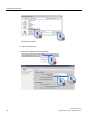
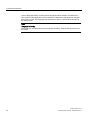
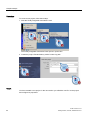
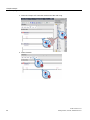
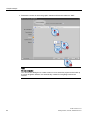
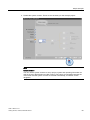
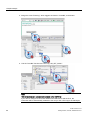
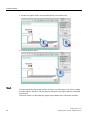
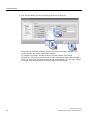
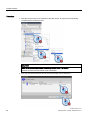
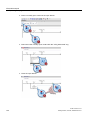
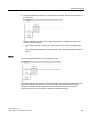
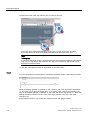
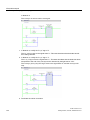
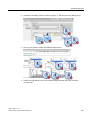
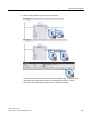
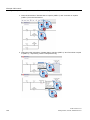
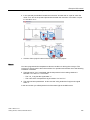
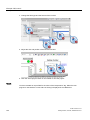
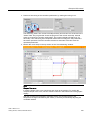
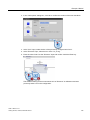
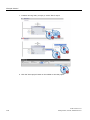
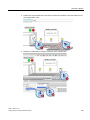
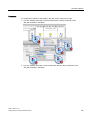
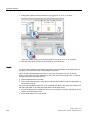
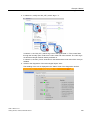
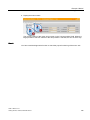
2. Link the "Visibility" animation of the second bottle with the "Busy" parameter of the
"MC_Move Relative" data block.
STEP 7 Basic V10.5
Getting Started, 12/2009, A5E02651459-01
187