1
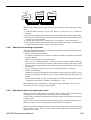
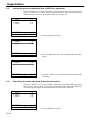
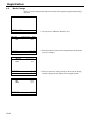
3)
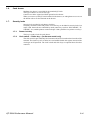
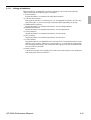
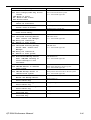
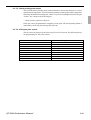
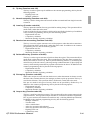
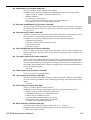
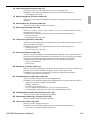
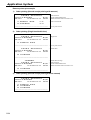
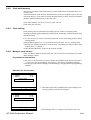
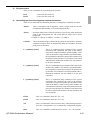
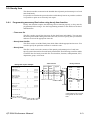
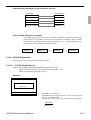
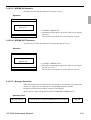
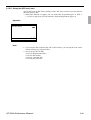
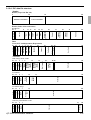
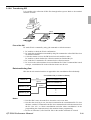
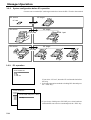
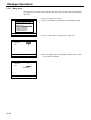
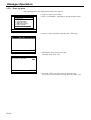
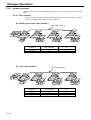
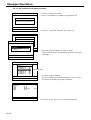
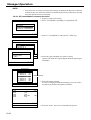
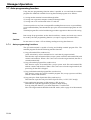
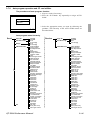
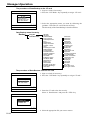
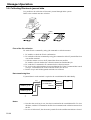
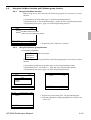
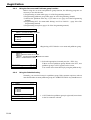
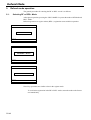
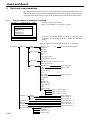
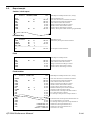
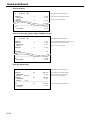
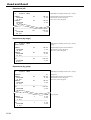
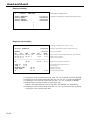
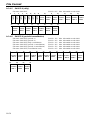
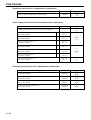
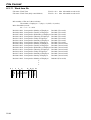
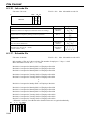
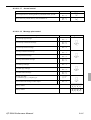
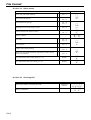
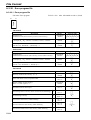
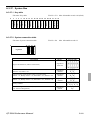
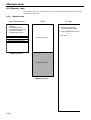
Clerk sign off operation
REG
10-10-01 12:34
000001
0.00
Please sign on.
4-2.
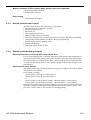
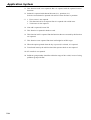
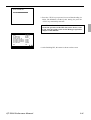
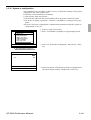
1. Enter “0” and press the <CLERK> key.
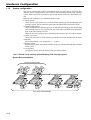
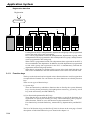
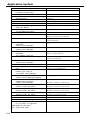
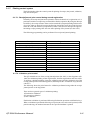
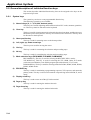
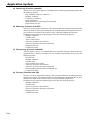
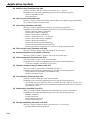
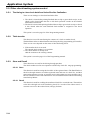
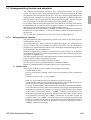
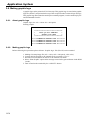
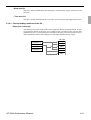
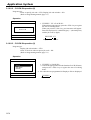
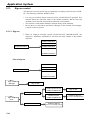
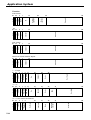
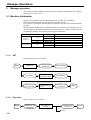
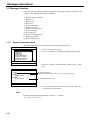
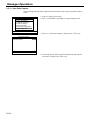
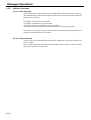
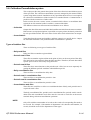
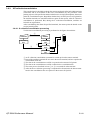
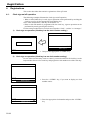
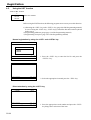
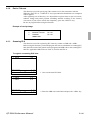
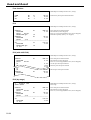
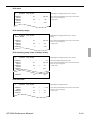
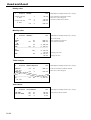
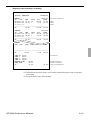
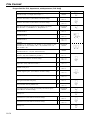
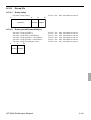
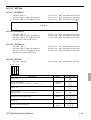
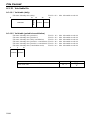
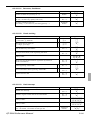
Voiding the last registered item (<VOID> key operation)
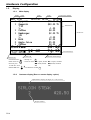
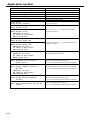
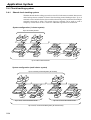
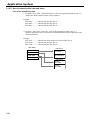
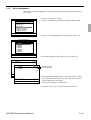
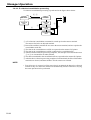
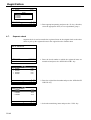
Use the <VOID> key to cancel a data that has just been registered using a function key. The
<VOID> key can be used to cancel data registered using departments, subdepartments,
PLUs, partial tenders, or the <PRICE>, <+>, <–>, <%+>, <%–>, <LOAN> or <PICKUP>
key. You can only use the <VOID> key to cancel a registration if you have not yet started
registration of the next item.
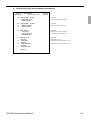
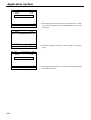
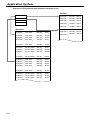
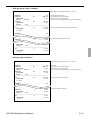
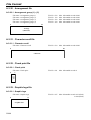
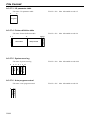
REG C01
1 PLU0001
10%
%-
10-10-01 12:34
-0.10
%1
REG C01
1 PLU0001
ST
-0.10
•0.90
10-10-01 12:34
VOID
1
000001
•1.00
ST
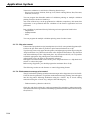
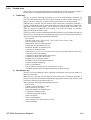
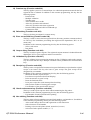
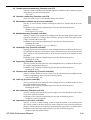
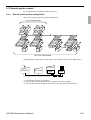
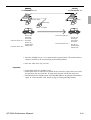
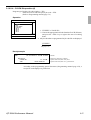
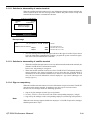
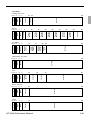
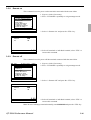
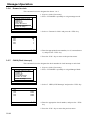
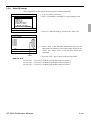
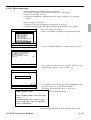
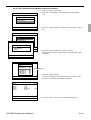
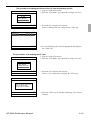
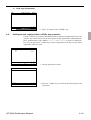
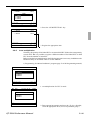
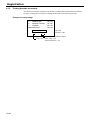
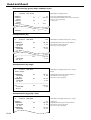
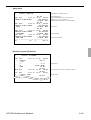
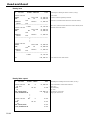
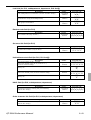
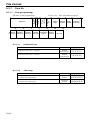
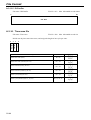
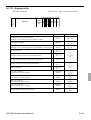
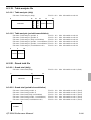
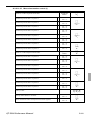
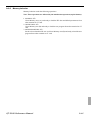
1. Wrong registration is made.
000001
•1.00
•0.10
•1.00
QT-2100 Reference Manual
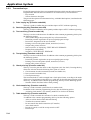
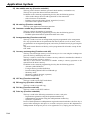
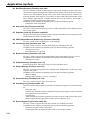
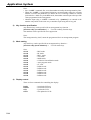
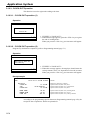
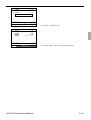
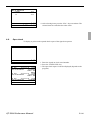
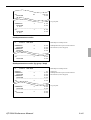
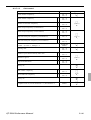
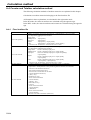
2. Press the <VOID> key to cancel the data and reregister the
transaction.
R-133