1
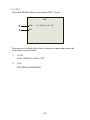
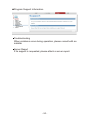
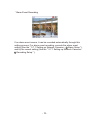
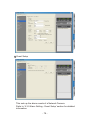
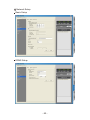
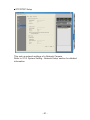
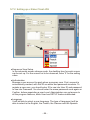
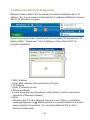
Date / Time Setting
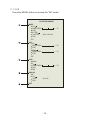
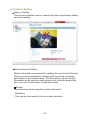
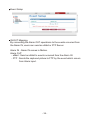
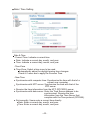
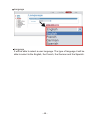
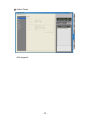
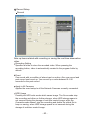
Date & Time
- Current Time: Indicate a current time.
Date: Indicate a current day, month, and year.
Time: Indicate a current day, month, and year.
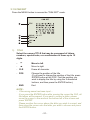
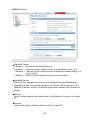
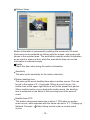
- Time Zone
Time Zone: Select a time zone to be used.
Automatically adjust for daylight saving time changes:
Check it if users are to apply the Summer Time.
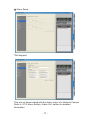
- New Time
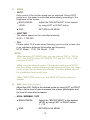
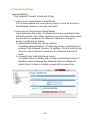
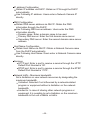
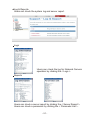
Synchronize with computer time: Synchronize the time with that of a
current user computer.
Synchronize with NTP server: Synchronize the time with that of the
NTP server.
Receive the time information from the NTP (RFC2030) server.
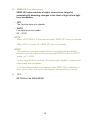
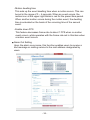
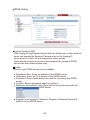
Synchronize with date server: Enter the Time Server address to be
synchronized. Receive the time
information from the Time Server that
complies with the Time protocol (RFC868).
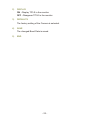
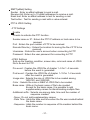
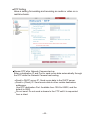
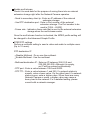
Set manually: Users enter a current time directly.
Date: Enter a current day, month, and year.
Time: Enter a current day, month, and year.
- 42 -