1
Chapter 3-8
Quick Start Guide
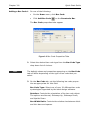
Adding a Bar Code 1
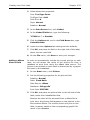
Do one of the following:
•
On the Draw menu, click Bar Code.
•
Click Add Bar Code
on the Drawtools Bar.
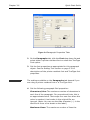
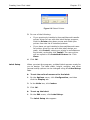
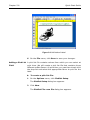
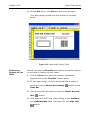
The Bar Code properties tabs appear.
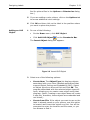
Figure 3-5 Bar Code Properties Tabs
2
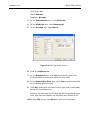
Select the desired bar code type from the Bar Code Type
drop-down list of choices.
Note
The default values and properties appearing on the Bar Code
tab will differ depending on the type of bar code that you
select.
3
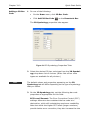
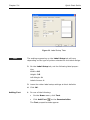
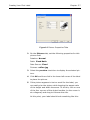
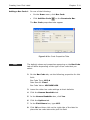
On the Bar Code tab, set the following bar code properties as appropriate for this field:
Bar Code Type: Select one of over 30 different bar code
symbologies supported by the label design software.
Rotation: Controls the orientation of the bar code object.
The options are Normal, Sideways Up, Sideways Down,
and Upside Down.
Bar-Width Ratio: Controls the relative size between thick
and thin bars and spaces.