1
OSD Operation
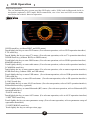
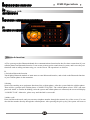
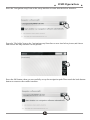
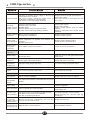
1. Navi Sound Key
Touch
key to select “on” and “off”
On : navigation sound comes out from front speaker while music comes out from rear speaker.
Off : All speakers comes out navigation sound , music comes out after navigation sound stop
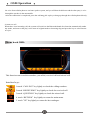
2. RDS Key
Touch
key to select “on” and “off”
3. Beep Key
Touch
key to select “on” and “off”
On: Beep when press on button or touch screen
Off: no sound when press on button or touch screen
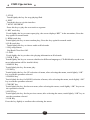
4. Brake Key
Touch
key to select “on” and “off”
On: Need to connect the parking cable to parking gear to watching movie and TV when parking
Off: watch movie and TV while driving
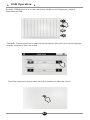
5. Clock key
Click — and + to set the time.
6. RETURN touch key
Touch the key to enter previous page.
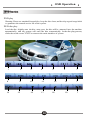
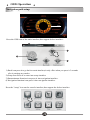
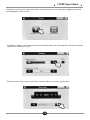
Display setup
1. Brightness Key
Touch
key to select “Bright”
2. SOFT Key
Touch
key to select “SOFT”
3. Standard Key
Touch
key to customization by user.
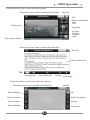
4. Bright key
Click — and + to set the Brightness
5. Color key
Click — and + to set the Color
6. Contrast key
Click — and + to set the Contrast
19