1
XD10 Cinema Media Player, Installation and Operating Guide
3.2.3.
Version 2.1
External S/PDIF Mode
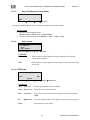
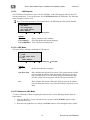
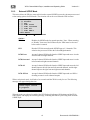
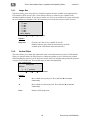
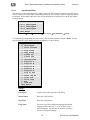
This menu allows the XD10 to route audio from the external S/PDIF input to the cinema processor and
select routing options for PCM audio. The selection will not be saved when the XD10 restarts.
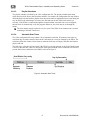
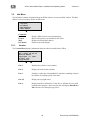
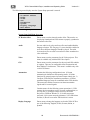
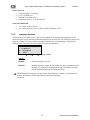
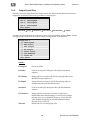
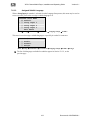
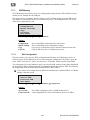
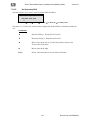
External S/PDIF Mode
► (*) Disable
• ( ) DTS
• ( ) PCM: Front
• ( ) PCM: Surround
• ( ) PCM: All
• ( ) PCM: NEO:6
• Exit Menus
Main Menu → Playback → External S/PDIF
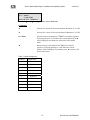
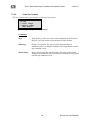
Options:
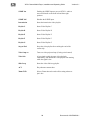
Disable
Disables the S/PDIF mode for normal operation. Note: When returning
to “Disable” from one of the PCM modes, the XD10 must be rebooted
before audio is restored.
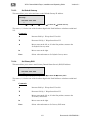
DTS
Decodes DTS bit-stream from the S/PDIF input to 5.1 channels. This
selection also processes PCM to the Left and Right channels.
PCM:Front
Accepts 2-channel PCM audio from the S/PDIF input and routes it to the
front left and front right channels.
.
PCM:Surround
Accepts 2-channel PCM audio from the S/PDIF input and routes it to the
left surround and right surround channels.
PCM:All
Accepts 2-channel PCM audio from the S/PDIF input and routes the left
channel input to the left front and left surround channels, and the right
channel input to the right front and right surround channels.
PCM: NEO:6
Accepts 2-channel PCM audio from the S/PDIF input and uses NEO:6
decoding to route it to all 6 channel outputs.
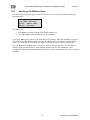
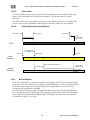
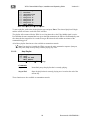
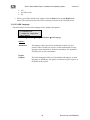
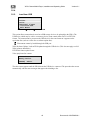
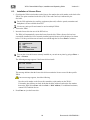
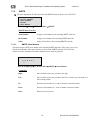
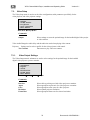
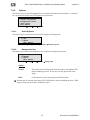
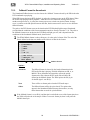
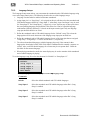
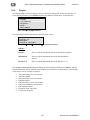
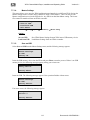
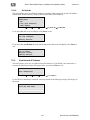
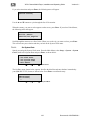
When a selection is made, it will take a few seconds until the XD10 is ready for use. The following
message will appear during that time.
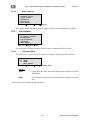
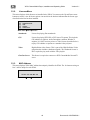
Please Wait
S/PDIF input switch
in progress
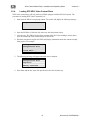
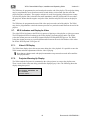
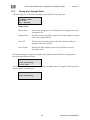
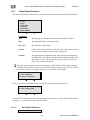
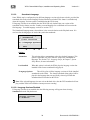
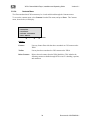
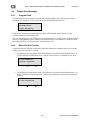
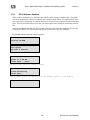
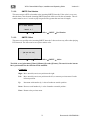
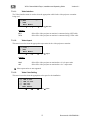
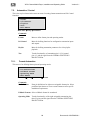
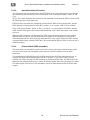
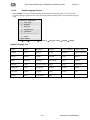
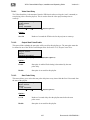
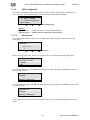
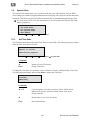
When the mode you selected is enabled, the DTS Playback indicator will illuminate and the XD10
status display will display the following message, indicating that XD10 is processing audio from the
S/PDIF input.
External S/PDIF Mode
41
Document #: 9301E692002.1