1
8.6
8.7
8.8
8.9
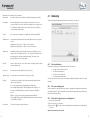
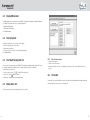
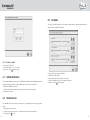
Test credits 8.6.1 Book test credits
Calibrate touchscreen
Touchscreen test
Set volume
27
28
28
28
29
1
General information
To activate the setup, start up the TOUCH TOY terminal. As soon as the main menu appears, press the red
„setup switch“ (book keeping switch). The „setup switch“ is on the left side behind the monitor next to the
counter. You have to open the terminal to reach the switch.
1.1
Content setup menu
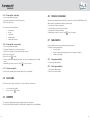
The setup main menu shows 6 entries:
• Advertising
Managing of advertising pages and videos; creation of individual advertising pages
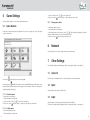
• Finance
Access to book keeping and statistical information
• Game settings
Deactivating games; setting prices for games etc.
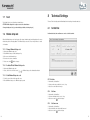
• Network
Settings concerning the Touch Toy Network (for detailed information see manual „Touch Toy
Network 2009“)
4
5