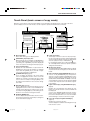
1
SENDING AN IMAGE
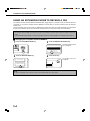
SCANNING AND TRANSMITTING A TWO-SIDED ORIGINAL
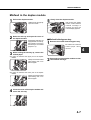
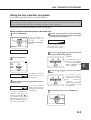
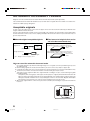
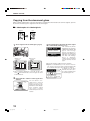
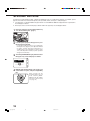
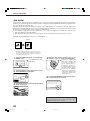
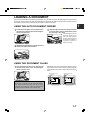
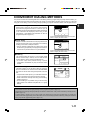
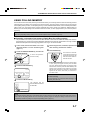
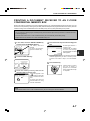
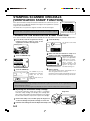
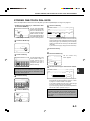
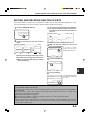
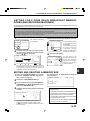
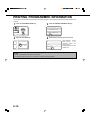
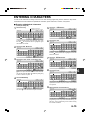
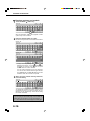
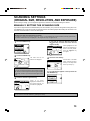
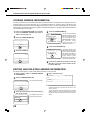
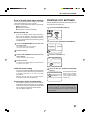
A two-sided original can be automatically scanned and transmitted using the auto document feeder. Follow the steps
below.
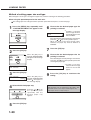
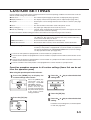
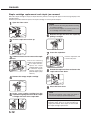
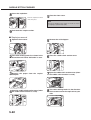
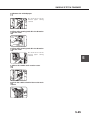
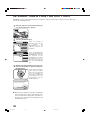
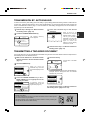
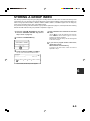
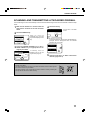
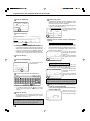
sure the machine is in scanner mode and
1 Make
then load the document in the auto document
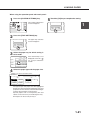
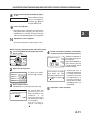
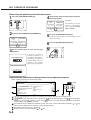
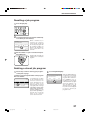
4 Touch the OK key.
You will return to the initial
screen.
feeder.
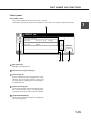
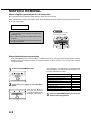
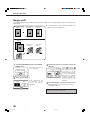
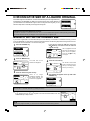
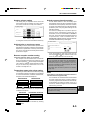
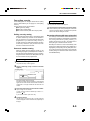
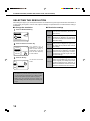
2 Touch the ORIGINAL key.
When you touch the
ORIGINAL key, check the
original size displayed in the
key.
STANDARD
RESOLUTION
AUTO
8 X11
ORIGINAL
1/
2
3
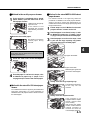
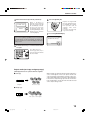
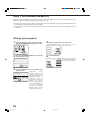
Touch the 2-SIDED BOOKLET key or the 2SIDED TABLET key as appropriate for the
original you loaded.
ORIGINAL SIZE
AUTO
MANUAL
2-SIDED
BOOKLET
2-SIDED
TABLET
If necessary, touch the
MANUAL key and set the
original size. (Page 13)
OK
L
ED
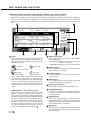
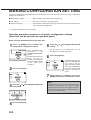
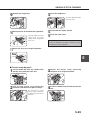
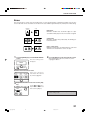
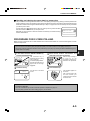
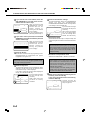
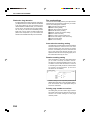
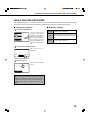
A two-sided original icon appears next to the ORIGINAL key.
(Example: The icon that appears when the 2-SIDED
BOOKLET key is touched.)
STANDARD
RESOLUTION
AUTO
81/2 X11
ORIGINAL
from step 4 of "Basic transmission
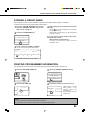
5 Continue
method" (pages 8 to 9).
NOTES
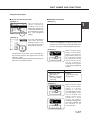
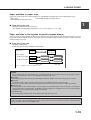
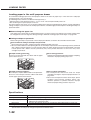
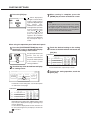
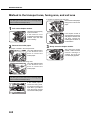
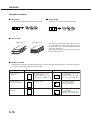
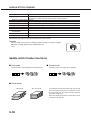
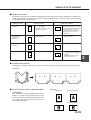
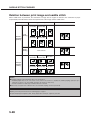
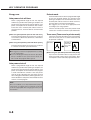
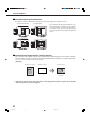
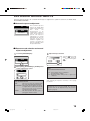
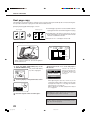
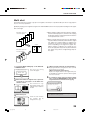
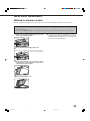
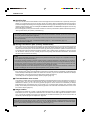
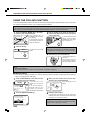
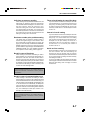
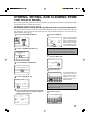
• Booklets and tablets
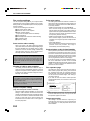
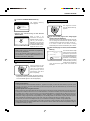
Two-sided originals that are bound at the side are booklets, and two-sided originals
that are bound at the top are tablets.
Booklet
Tablet
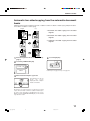
• Two-sided scanning turns off after the document is stored in memory. Pressing the
CA key will also cancel two-sided scanning.
11